

Phone Case DIY
- Reviews
- 4.4
- Version
- 4.1.0.0
- Installs
- 100,000,000+

Screenshots
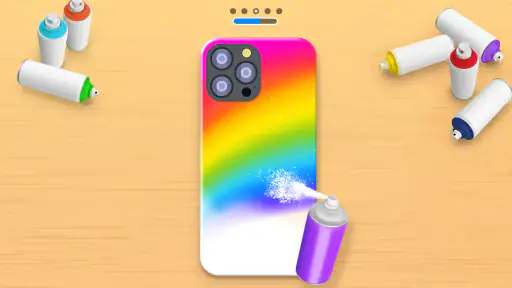
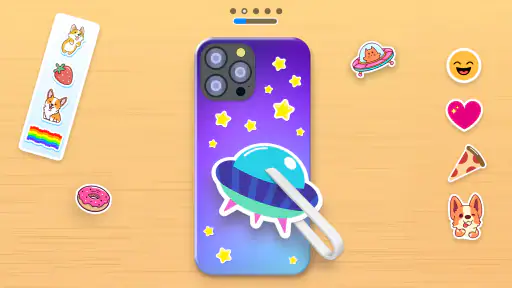
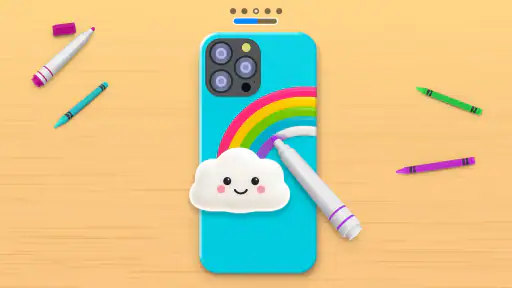
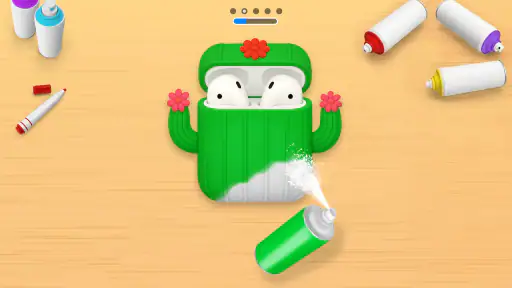
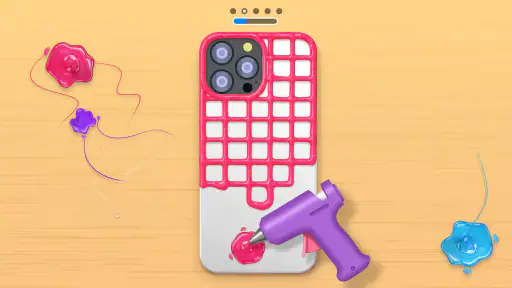
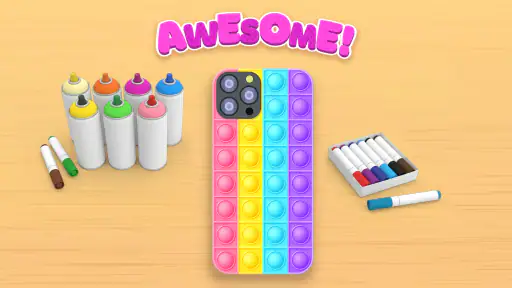
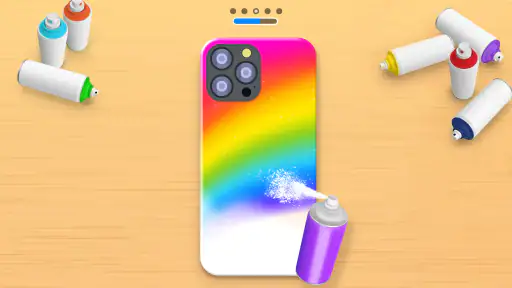
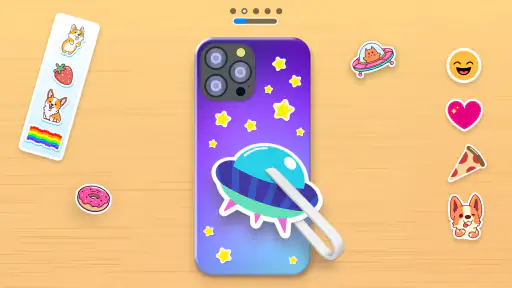
 Analysis by Frivlyz
I like the idea behind Phone Case DIY because it turns a familiar object into a small creative project. Instead of drawing on a blank page, I’m working with the shape and feel of a phone case, which makes the results easy to picture and gives each design a clear purpose. It is a casual simulation game from CrazyLabs LTD, and its appeal is less about mastering a complicated toolset than enjoying a quick burst of color and customization.
What the free download is worth
The game is free to download, so trying it does not require an upfront purchase. Optional in-app purchases range from $0.99 to $12.99 per item, which makes it worth paying attention to what is offered before spending. I would start with the free experience and only consider a purchase if I had already spent enough time creating designs to know that an extra item would genuinely improve my sessions. The game is rated Everyone, a useful sign for families considering a simple, playful creative activity.
There is plenty of evidence that it has found an audience: Phone Case DIY has over 100 million installs, an average rating of 4.4, and around 875,000 ratings. Those figures do not tell me whether every player will enjoy it, but they do put this niche idea in context. It is an established casual game rather than an obscure experiment, and its basic appeal is easy to understand: decorate a virtual accessory without needing art supplies or a real case.
Our Stories on Phone Case DIY
The Baby In Yellow: Unraveling Its Viral Horror Appeal
NewsHow Car Simulator 2 Redefines Mobile Gaming Ecosystems
NewsVehicle Masters: Leading the Pack in Mobile Simulations
NewsDancing Road Turns Short Breaks Into a Test of Rhythm and Timing
NewsSuper Stylist Makes Every Outfit a Test of Taste and Patience
NewsDominoes on Your Terms: Who Should Play and Who Should Pass
NewsWhere the creative value comes from
For me, the main value is the low-pressure loop of choosing a look, trying it on the case shape, and adjusting the result until it feels right. That makes the game a good fit for short breaks: I can make a playful design while waiting for a friend or winding down after a busy day, without setting aside time for a full drawing session. It can also be a handy prompt for a child who wants to talk about colors and patterns, though I would treat it as entertainment rather than a substitute for hands-on craft materials.
The phone-case theme gives the creativity a more concrete target than many general coloring games. A conventional coloring app often asks me to fill a fixed illustration, while this game frames the task as personalizing an accessory. That difference can make it more engaging if I enjoy fashion, decoration, or imagining how a design might look on an object I use every day. On the other hand, someone looking for open-ended drawing, detailed illustration controls, or a tool for producing a real-world case design may be better served by a dedicated art app or a physical craft project.
Good habits for getting more from it
I find it helpful to decide on a simple theme before starting—perhaps two colors and one visual idea—rather than trying to combine every decorative option at once. A limited palette often makes a case design feel more intentional, and it gives me a clear way to judge whether a new detail helps or just adds clutter. If I am experimenting, I would try a bold version first and then make a quieter variation; comparing those approaches is more satisfying than endlessly adding details to one design.
It is also worth treating a preview as inspiration, not as a promise that a physical case will match it exactly. A virtual mock-up can help with composition and color balance, but a screen image is not the same as a manufactured accessory. If my goal is to order or make a case for actual use, I would check the requirements of the real-world service or materials separately rather than assuming the game produces a print-ready design.
Gaming Stories You May Enjoy

Pokémon GO Makes the Familiar World Feel New

Chess.com Turns Rematches Into Rivalries, but Community Has Its Costs

Archery Battle 3D Review: Sharp Aiming, Unclear Feedback

Should You Switch to Geometry Dash Meltdown? A Test of Timing and Patience

Fidget Toys Trading・Pop It 3D: What Happens When the Game Stumbles

NBA LIVE Mobile Makes the Season the Main Event
One practical trade-off is that a casual design game can feel repetitive once the novelty of the theme wears off. If I want a focused activity with a defined visual result, that simplicity is a strength; if I want a long progression, demanding challenges, or precision control, it may feel shallow. I would also keep an eye on optional purchases, especially when a child is playing: free access is a sensible starting point, while paid extras are best judged individually rather than treated as necessary for enjoying the core idea.
For Android users, the listed minimum requirement is Android 6.0, and the current version is 4.1.0.0. It was released on September 26, 2020, and its age rating is Everyone. Those details make it straightforward to assess basic compatibility and suitability, but the more important question is whether this particular kind of playful customization matches what you want from a game.
Ever felt the urge to unleash your inner artist on something as mundane as a phone case? Well, Phone Case DIY might just be the app you didn’t know you needed! It’s a delightful little niche app that gives you the freedom to create and customize phone cases just the way you like them. It’s like having an art studio right in your pocket!
Getting Started with Your DIY Adventure
Diving into Phone Case DIY is as easy as pie. The app welcomes you with a simple interface that’s both intuitive and inviting. You're greeted with a blank canvas – a virtual phone case – ready for your artistic touch. The tools are neatly laid out, making it a breeze to select colors, textures, and patterns. And trust me, you don’t have to be a Picasso to make something beautiful. Even if you’re all thumbs when it comes to art, this app makes it feel like you’ve got a magic wand in hand!
Features That Spark Creativity
What I absolutely love about this app is its range of features. It offers a kaleidoscope of colors and patterns, allowing for endless combinations. Whether you’re into vibrant hues or subtle pastels, there’s something for everyone. You can add stickers, stencils, and even text to personalize your creation further. And for those who love a bit of sparkle, there are glitter options too! The app also includes a community gallery where you can showcase your designs or get inspired by others. It’s like having a supportive art community cheering you on!
Another cool feature is the ability to preview how your design looks on an actual phone model. This helps in visualizing the final product and making any last-minute tweaks. Plus, if you ever get stuck or need a bit of guidance, the app provides handy tutorials that are as entertaining as they are educational.
A Few Words on Usability
From a user experience perspective, the app is top-notch. It runs smoothly without any glitches, and the navigation is straightforward. The developers have done a commendable job in ensuring that even first-time users can dive right in without any hiccups. The app is regularly updated, which means new features and improvements are constantly being added.
One thing to note is that while the app is free to download, there are in-app purchases available. These aren’t necessary to enjoy the full experience, but they do offer additional tools and designs for those who want to go all out.
Final Thoughts
In conclusion, Phone Case DIY is a fantastic app for anyone looking to add a personal touch to their phone accessories. It’s fun, easy to use, and offers a creative outlet for people of all ages. Whether you’re a seasoned artist or just someone looking to pass the time creatively, this app is worth a try. So why not give it a whirl and see what masterpieces you can create?
Remember, in the world of DIY, the only limit is your imagination. Happy designing!
Phone Case DIY Pros and Cons
Pros
- Customizable phone cases
- Easy to use interface
- Wide range of design options
- Affordable pricing
- Fun and engaging experience
Cons
- Limited material options
- May require in-app purchases
- Occasional app crashes
- Designs may not fit all phone models
- Limited customer support
This Game in Other Languages
Frequently Asked Questions
What is Phone Case DIY and how does it work?
Phone Case DIY is a creative application that allows users to design and customize their own phone cases. Users can choose from a variety of templates, colors, stickers, and other design elements to create a unique phone case. The app provides an easy-to-use interface where users can preview their designs in real-time and order the finished product directly through the app. It’s a fun and interactive way to express personal style and creativity.
Is Phone Case DIY free to use, and are there any in-app purchases?
Phone Case DIY is free to download and use, providing access to a basic set of design tools and templates. However, the app does offer in-app purchases that unlock additional features, premium templates, and exclusive design elements. Users may also need to pay for the physical production and shipping of their custom-designed phone cases. The pricing for these services varies, depending on the design complexity and material chosen.
What devices are compatible with Phone Case DIY?
Phone Case DIY is compatible with a wide range of Android and iOS devices. The app requires Android version 5.0 and up, or iOS 11.0 or later, ensuring that it runs smoothly on most modern smartphones and tablets. Users should ensure their device meets the minimum system requirements for optimal performance. Compatibility with specific phone models for case designs might vary, so it's advisable to check the app’s specifications before proceeding.
How can I ensure the quality of the phone case designed using the app?
The quality of the phone case designed using Phone Case DIY depends on the materials selected and the printing process used by the app’s service providers. Users are encouraged to choose high-quality materials and reputable printing services provided within the app. Additionally, the app allows users to preview their designs in high resolution before finalizing, ensuring satisfaction with the final product. Reviews and ratings within the app can also guide users in making informed decisions.
Can I share my phone case designs with others?
Yes, Phone Case DIY allows users to share their custom phone case designs with friends and family through various social media platforms, email, or messaging apps. This feature makes it easy to get feedback or show off your creative work. Users can also save their designs to the app's gallery for future reference or modifications. Sharing your designs can inspire others and can be a fun way to engage with the Phone Case DIY community.


