

PBS KIDS Games App
- Reviews
- 4.4
- Version
- 5.3.19
- Installs
- 10,000,000+

Screenshots
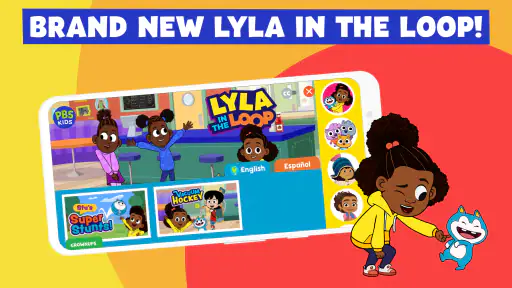
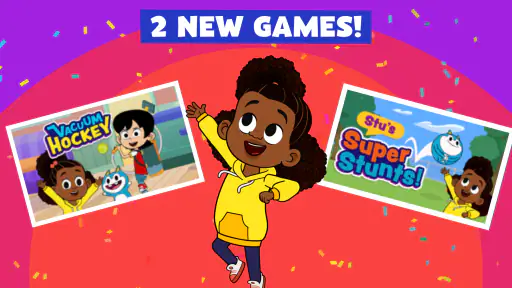
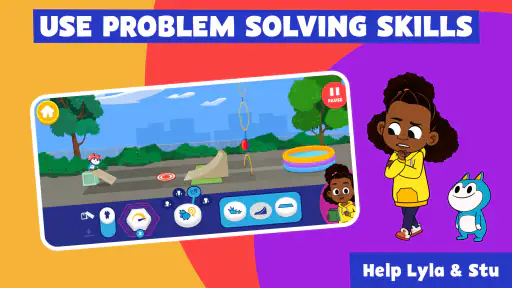
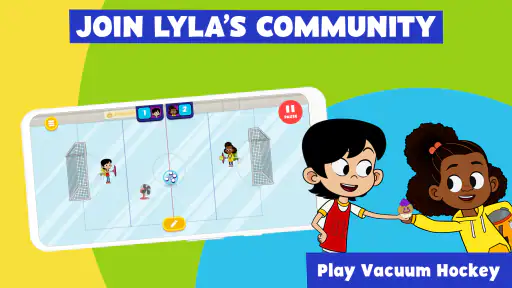
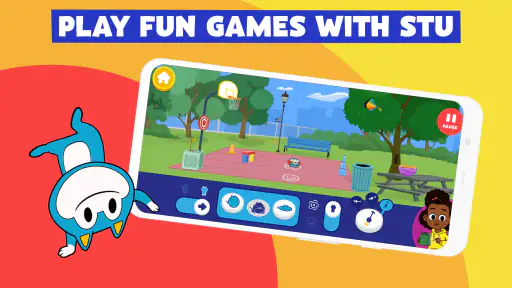
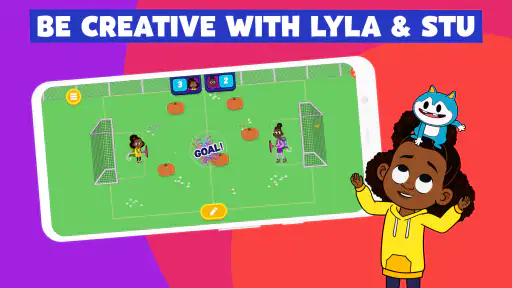
 Analysis by Frivlyz
I like children’s apps best when the learning is built into what a child wants to do, rather than presented as a lesson with a game attached. That is the idea I see at the heart of PBS KIDS Games: familiar characters give children a reason to explore, while the activities offer more than passive screen time. It can be a useful choice when you want a short, child-led activity and would rather not hand over a general-purpose video or game app.
A character-led way into learning
This is an educational game from PBS KIDS, with activities connected to shows such as Daniel Tiger and Wild Kratts. That character connection is more than decoration: for a young child who already knows these worlds, it can make trying an unfamiliar puzzle or task feel less intimidating. I would treat the app as a collection of small invitations to play, not as a structured course that promises a particular learning outcome.
The practical benefit is that a parent can offer a choice without having to invent an activity on the spot. A child might be drawn in by a familiar character and then spend time trying a task that involves a different kind of thinking. The app is free, rated for Everyone, and has a 4.4 average from around 51,000 ratings, so it has clearly found a broad audience. Those figures are useful context, but the right fit still depends on your child’s age, interests, and tolerance for exploring on a screen.
How it fits into an ordinary day
In everyday use, I’d bring it out for a short wait, a quiet stretch at home, or a change of pace after a busy outing. For example, while waiting for an appointment, a child can choose an activity and focus on it instead of needing a parent to keep supplying new entertainment. I’d still sit nearby, especially with a younger child: not because every step needs supervision, but because a quick conversation about what they are trying can turn solo tapping into a shared moment.
The app’s range is a strength when a child’s mood changes. A puzzle-minded child may want to work something out, while another may prefer a more character-driven activity. Rather than treating that variety as a reason to leave the app open indefinitely, I’d use it to offer a bounded choice: pick one activity, play for a while, then move on. That gives the child some control without making the device the default answer to boredom.
Useful strengths, with realistic limits
Compared with a typical video app, this is a more active option: a child has to engage with a game rather than simply watch one clip after another. Compared with a single-purpose learning app, its appeal is breadth and familiar characters, not a clear step-by-step curriculum. That distinction matters. If you want a child to practice one specific school skill in a carefully ordered sequence, a focused learning tool may be a better match. If you want varied, approachable play with an educational flavor, this is easier to dip into.
Offline play is particularly handy when you know a connection may be unreliable, such as during a journey. I’d open the app and check that the activities you expect to use are available before leaving, rather than discovering a snag when a child is already waiting. Offline access can make the app more dependable for travel, but it does not replace planning: a charged device, a clear time limit, and an alternative activity still help avoid a screen-time negotiation.
Gaming Stories You May Enjoy

Dancing Road Turns Short Breaks Into a Test of Rhythm and Timing

Super Stylist Makes Every Outfit a Test of Taste and Patience

Dominoes on Your Terms: Who Should Play and Who Should Pass

Pokémon GO Makes the Familiar World Feel New

Chess.com Turns Rematches Into Rivalries, but Community Has Its Costs

Archery Battle 3D Review: Sharp Aiming, Unclear Feedback
There are trade-offs. A broad collection can make it harder for a parent to know which activity best suits a child’s current interests, and variety does not mean every game will appeal equally. Young children may also need a little help choosing or understanding what to do next. I wouldn’t rely on the app as a substitute for reading together, hands-on play, or conversation; its best role is as one option in a balanced day.
Who is most likely to enjoy it?
I’d recommend it to families whose children already enjoy PBS characters and who want an accessible, no-cost way to mix play with simple learning-oriented activities. PBS KIDS has had the game available since April 27, 2016, and it has passed 10 million installs, which suggests it is a well-established option rather than a brand-new experiment. The current version is 5.3.19, and it runs on Android 5.1 or later. If you are choosing for a particular device, checking that system requirement first can save time.
It may be less suitable for an older child looking for deep strategy, long-form progression, or competitive play. It is also not my first pick when the goal is a tightly guided lesson, a completely offline routine that has not been checked in advance, or entertainment with no adult involvement at all. Parents who prefer to choose content one item at a time may find a smaller, more focused app easier to manage.
For younger children, I’d make the first session a joint one: let them choose, watch how comfortably they navigate, and notice which activities hold their attention. That small test tells you more than a general promise of educational value. It also helps you decide whether to leave the app available for independent use or keep it as a shared activity for travel and waiting rooms.
Hey there! So, I recently got my hands on the PBS KIDS Games app, and I've got to say, it's pretty awesome for keeping the little ones entertained while also sneaking in a bit of learning. Let me walk you through what I found as I navigated through this colorful and engaging app.
A World of Learning and Fun
First things first, once you fire up the app, you're greeted with a vibrant interface that's super inviting for kids. The design is simple yet effective, making it easy for young users to dive right into the fun without needing much help from us adults. The PBS KIDS Games app is packed with a variety of games that cover everything from math and science to reading and creativity. It's like having a mini classroom right on your device!
Diverse Game Selection
What's really cool about this app is the sheer variety of games available. Whether your kiddo is into puzzles, adventures, or just wants to have some fun with their favorite PBS characters, there's something here for everyone. Plus, the games are designed to adapt to different skill levels, so they stay challenging and engaging as your child grows.
Each game is designed with educational goals in mind, which makes me feel good about letting my kids play. They're not just zoning out in front of a screen—they're actively learning and engaging with content that's been carefully crafted to boost their development in multiple areas.
User-Friendly Experience
From a parent's perspective, the app is incredibly user-friendly. There are no pesky ads popping up every few seconds, and navigating between games is a breeze. The developers have clearly put a lot of thought into making sure the app is as seamless as possible, minimizing any potential frustration on our end. Plus, it's free, which is always a win in my book!
Another thing worth mentioning is the offline play feature. This means your kids can continue to enjoy their favorite games even when you're out and about without internet access. It's perfect for long car rides or when you're trying to get some peace and quiet at home.
Final Thoughts
All in all, the PBS KIDS Games app is a fantastic tool for parents looking to blend entertainment with education. It's a safe, engaging, and educational environment for kids to explore and learn. Plus, knowing that it's backed by PBS, a trusted name in children's programming, gives me peace of mind that the content is both appropriate and beneficial for my child's development.
If you're on the hunt for a way to keep your little ones entertained while also giving them a head start on learning, definitely give this app a try. I promise, you won't be disappointed!
PBS KIDS Games App Pros and Cons
Pros
- Wide variety of educational games.
- Safe environment without ads.
- Kid-friendly navigation.
- Regular updates with new content.
- Free to download and use.
Cons
- Requires internet for most games.
- Limited offline content.
- Some games may load slowly.
- No parental control features.
- Occasional glitches in some games.
Frequently Asked Questions
What is the PBS KIDS Games App?
The PBS KIDS Games App is an educational platform designed for children, offering a wide variety of interactive games that are both fun and educational. It features popular PBS KIDS characters, helping children learn through play. The app focuses on teaching skills such as math, science, reading, and more, all while ensuring a safe and engaging environment for kids.
Is the PBS KIDS Games App free to use?
Yes, the PBS KIDS Games App is free to download and use. It offers a wide range of games without any cost, making it accessible for families. However, some features might require an internet connection, and there could be in-app advertisements related to PBS content. It’s advisable for parents to monitor their children’s usage to ensure a seamless experience.
What age group is the PBS KIDS Games App suitable for?
The PBS KIDS Games App is designed for children aged 2 to 8 years old. The games and activities are tailored to support early learning and development in this age range, covering essential skills such as counting, reading, and problem-solving. The app provides an engaging learning experience that aligns with the developmental stages of young children.
How can I ensure my child’s safety while using the PBS KIDS Games App?
The PBS KIDS Games App is designed with child safety in mind. It does not require any personal information from children and offers a safe online environment. Parents can further ensure safety by supervising app usage, setting time limits, and discussing online behavior with their children. The app also has parental controls to restrict certain features if needed.
Can the PBS KIDS Games App be used offline?
Yes, many of the games on the PBS KIDS Games App can be played offline once they are downloaded. This feature is particularly useful for car rides or areas with limited internet access. However, some content might still require an internet connection to access new updates or additional games. Checking the app's settings can help manage offline accessibility.


