

Little Panda's Town: Hospital
- Reviews
- 3.8
- Version
- 8.71.02.00
- Installs
- 10,000,000+

Screenshots
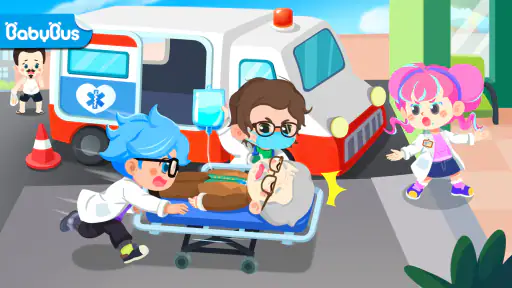
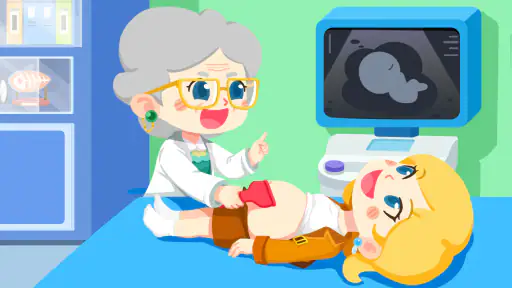
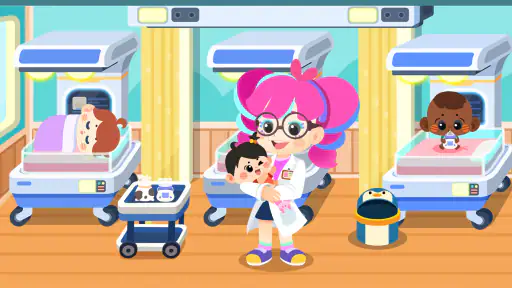
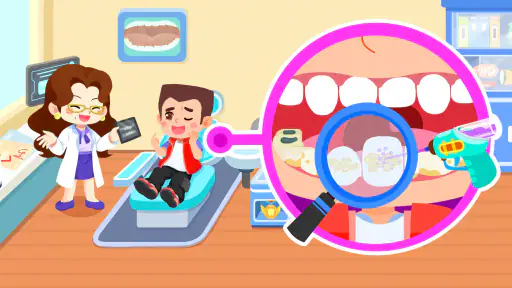
 Analysis by Frivlyz
I’d treat Little Panda's Town: Hospital as a child-friendly pretend-play game rather than a lesson plan or a realistic hospital simulator. Its appeal is the chance to act out caring for patients in a bright, make-believe setting. That makes it an easy option to bring out when a child wants to play doctor, while still leaving room for an adult to talk about what happens when someone feels unwell.
It is an educational game from BabyBus, and its cheerful presentation is aimed at a broad family audience: the age rating is Everyone. The game is free to download, though optional in-app purchases range from $2.49 to $41.99 per item, so I would check the purchase settings before handing a device to a child. That practical detail matters more than the inviting hospital theme if your priority is letting a young player explore independently.
A gentle way to play out caring for someone
The most useful way to approach the game is as a prompt for imaginative play. A child can make up a patient’s story, decide what care might help, and narrate what is happening. I would join in for a few minutes rather than expect the app to teach medical knowledge on its own: asking why a character needs help or what a doctor might do turns tapping into a simple conversation about care and empathy.
It can also work as a low-pressure introduction to hospital settings for a child who is curious or a little uneasy about a visit. I would keep the discussion grounded, though. A colorful pretend hospital can make medical spaces feel more familiar, but it is not a substitute for explaining a real appointment in age-appropriate terms, and I would avoid promising that an actual visit will feel just like the game.
What to expect from pace and play sessions
The experience is built around touch interactions and short activities, so it seems better suited to brief play sessions than to a long, demanding gaming session. A child can dip in, explore a scenario, and stop when attention moves elsewhere. That makes it handy while waiting for dinner or during a quiet moment at home, especially if an adult is nearby to help keep the play purposeful.
For speed, I would set expectations modestly: this is a colorful children’s game, not a performance test or a fast-action title. Whether it opens and responds smoothly depends on the device and its condition, so I would try it once before relying on it to occupy a child during a time-sensitive moment. On an older or busy device, closing other apps and allowing a little time for the game to settle is a sensible precaution, not a guarantee of faster performance.
Where it fits among children’s games
Compared with straightforward educational drills, this hospital role-play approach leaves more space for storytelling and pretend choices, while offering less of the focused practice you would get from an app built around a specific skill. Compared with open-ended digital dollhouses, its medical setting gives play a clearer theme. That focus is useful for a child who wants to care for characters, but it may be less appealing to someone who prefers puzzles, structured lessons, or a wider range of everyday settings.
Gaming Stories You May Enjoy

Dancing Road Turns Short Breaks Into a Test of Rhythm and Timing

Super Stylist Makes Every Outfit a Test of Taste and Patience

Dominoes on Your Terms: Who Should Play and Who Should Pass

Pokémon GO Makes the Familiar World Feel New

Chess.com Turns Rematches Into Rivalries, but Community Has Its Costs

Archery Battle 3D Review: Sharp Aiming, Unclear Feedback
There is a trade-off in that open-endedness: children who enjoy inventing stories may stay engaged, while those who want a clear goal and a strong sense of progress may lose interest sooner. I would use it as one option in a mix of play, not as a replacement for reading, hands-on pretend play, or activities that teach a particular subject in depth.
The Charming World of Little Panda
When you first open Little Panda's Town: Hospital, you’re immediately greeted by vibrant colors and a cheerful panda who seems eager to show you around. The game does a fantastic job of making you feel welcome, almost like stepping into a cartoon episode. The graphics are charmingly simple, perfect for young kids while still being visually appealing to adults who are young at heart.
Gameplay and Features
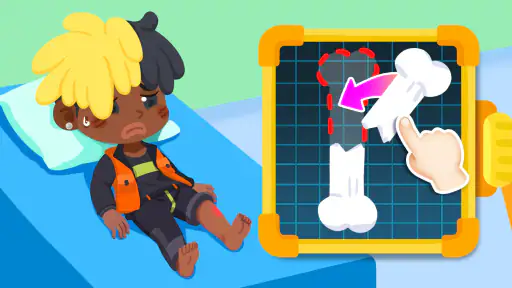
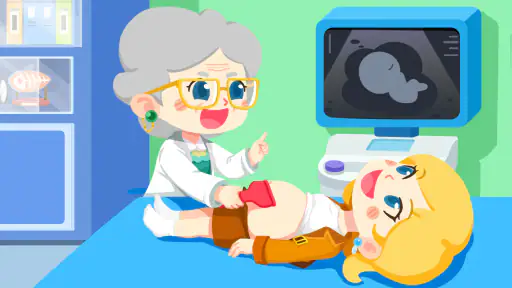
The app offers a variety of medical scenarios to engage in, from treating fevers and colds to more complex operations. What I found impressive is the way it mixes fun with education. Kids can learn about different medical instruments, what they’re used for, and how doctors and nurses work hard to keep us healthy—all while having fun! It’s like a mini medical school packaged in an app.
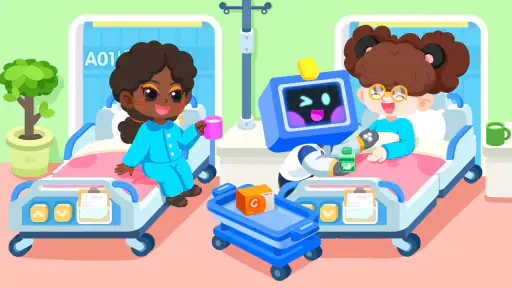
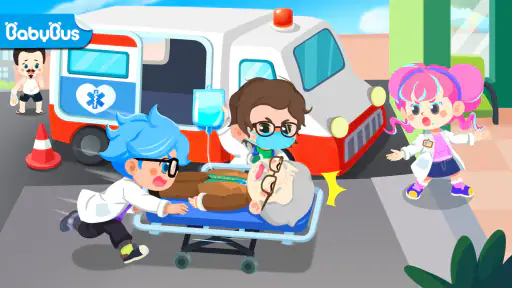
You’ll also find an array of characters and stories that keep the game fresh and exciting. The freedom to explore different rooms, like the pharmacy, emergency room, and even the cafeteria, gives it a sandbox feel that encourages exploration and creativity. It’s not just about following a linear storyline; it’s about creating your own adventures in the hospital.
Intuitive Controls and Kid-Friendly Interface
One of the standout features is how intuitive the controls are. The developers really nailed the user interface, making it accessible for children. Everything is tap-based, and the app provides clear instructions on what to do next, so kids won’t get frustrated trying to figure things out. It’s designed to be engaging without being overwhelming, which is crucial for maintaining a child’s interest.
Parents will appreciate the educational value, as well as the safety of the app. There are no ads or in-app purchases, which means kids can play without any interruptions or the risk of accidentally buying something. It’s a safe space for children to learn and play, which is a big win in my books.
Reliability and device fit
I would not assume that a bright, simple-looking game is effortless for every phone or tablet. The current version is 8.71.02.00 and the minimum Android requirement is 5.0, but meeting that baseline does not tell you how smoothly it will run on a particular device. If a child will use it on an older handset, I’d test the opening and a few taps first, then make sure there is enough free space for normal app use. I would also keep the device charged for longer play, since screen time and battery life depend on the device as well as the game.
For a more reliable handoff, I’d open it myself, confirm the child can reach the activities they want, and check that purchase controls are set the way the family prefers. This is a simple habit for any children’s game with optional purchases; it avoids assuming that a child-facing interface alone prevents accidental spending. The game has a 3.8 average from 5.4K ratings, with 28 written reviews, and more than 10 million installs. Those figures suggest it has reached many families, but they cannot predict whether it will hold one particular child’s interest or behave identically on every device.
When I would choose it—and when I would not
I’d recommend trying it with a child who likes pretend play, familiar characters, and caring-for-others stories. A realistic everyday use would be a short wait at home before a meal: I’d let the child choose a patient, then ask them to explain what they think the character needs. That gives the play a natural stopping point and makes it easier to move on without treating the game as a babysitter for an entire afternoon.
I would choose a different kind of app if the goal is systematic learning, such as practicing letters or numbers, or if a child prefers challenges with explicit right answers and measurable progress. I’d also skip it for a child who finds hospital themes uncomfortable; pretend treatment may reassure some children but can bother others. A parent can watch the first session and decide whether the tone feels reassuring to that particular child.
Final Thoughts
All in all, Little Panda's Town: Hospital is a delightful app that perfectly blends fun and education. It’s a go-to app for parents looking to provide their kids with a safe, entertaining, and educational digital experience. Whether it’s learning about the human body, developing empathy by caring for patients, or simply enjoying a colorful and interactive world, this app has it all. So, if you’re looking for something that’s both engaging and beneficial for your little ones, give this app a try. It’s a prescription for fun!
Little Panda's Town: Hospital Pros and Cons
Pros
- Engaging medical-themed gameplay for kids
- Intuitive controls for young users
- Educational content about healthcare
- Bright
- colorful graphics
- Free to play with optional in-app purchases
Cons
- Limited content can become repetitive
- In-app purchases may be necessary for full experience
- Requires internet connection for some features
- Ads can interrupt gameplay
- May not appeal to older children
This Game in Other Languages
Frequently Asked Questions
What is Little Panda's Town: Hospital about?
Little Panda's Town: Hospital is an interactive educational game designed for children, where they can explore the day-to-day activities of hospital staff. Kids can play the role of various healthcare professionals like doctors and nurses, learning about medical procedures in a fun and engaging way. The game aims to teach children about healthcare and empathy.
Is Little Panda's Town: Hospital suitable for all age groups?
Little Panda's Town: Hospital is primarily designed for children aged 3-8 years old. It features simple controls and engaging graphics that are easy for young children to understand and interact with. Parents can rest assured that the game content is child-friendly and educational, promoting learning through play in a safe digital environment.
Does Little Panda's Town: Hospital include in-app purchases?
Yes, Little Panda's Town: Hospital includes in-app purchases. While the game itself is free to download, there are options to buy additional content or features within the app. These purchases are designed to enhance the gameplay experience, but they are entirely optional. Parents can manage in-app purchases through device settings.
Can Little Panda's Town: Hospital be played offline?
Little Panda's Town: Hospital can be played offline after the initial download and installation. This makes it a convenient option for parents who want to keep their children entertained during travel or in locations without reliable internet access. However, some features may require an internet connection to access additional content or updates.
What educational benefits does Little Panda's Town: Hospital offer?
Little Panda's Town: Hospital provides several educational benefits, including teaching children about healthcare roles and responsibilities. The game encourages problem-solving skills, empathy, and understanding of medical procedures in a playful setting. It also helps improve children's fine motor skills and cognitive development through interactive mini-games and activities.


