

Elmo's World and You
- Reviews
- 4.1
- Version
- 2.2
- Installs
- 5,000+

Screenshots
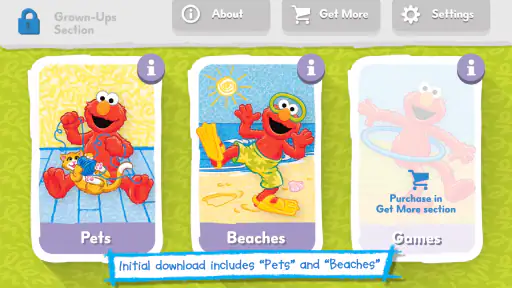
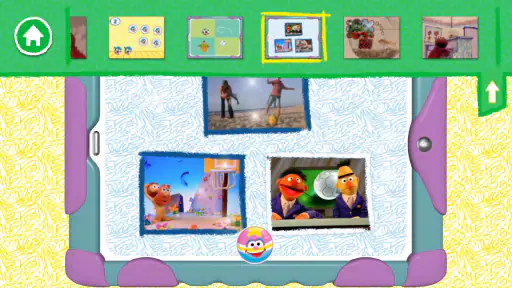
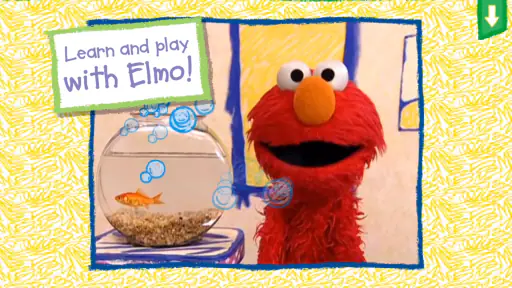
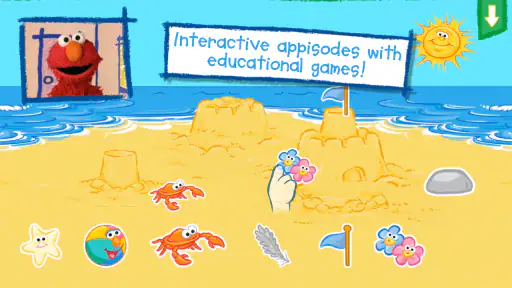
 Analysis by Frivlyz
I judge a preschool game less by how long it can hold a child’s attention than by what happens when the screen goes off. Can the child carry a new word or a small idea into play elsewhere? That is the lens I bring to Elmo's World and You, an educational game from Sesame Workshop built around a familiar character and a gentle, child-focused tone. It can make a useful short activity for a young Elmo fan, but it works best as one part of a shared routine rather than a substitute for books, conversation, or hands-on play.
A simple routine works better than an open-ended session
My preferred way to use a game like this is to begin with a small invitation: sit together, let the child choose what catches their eye, and give the activity a little context. If a moment prompts interest in a color, sound, or everyday object, I would follow that lead instead of trying to turn the session into a formal lesson. The game’s appeal is its association with Elmo; a parent can use that familiarity to make a screen activity feel welcoming rather than like homework.
For example, during a quiet stretch before dinner, I might let a child explore briefly, then connect something that caught their attention to the room: find an object with a similar color, make a sound together, or talk about what they noticed. That small handoff matters. It gives the experience a natural stopping point and turns screen time into a starting point for conversation, not just a way to fill time.
Check the purchase details before handing over the device
The game costs $4.99, and in-app purchases are listed at $2.99 per item. I would make the purchasing boundary clear before a child starts tapping around: an adult should handle purchase decisions, and the device’s own purchase protections are worth checking. That practical step can prevent an enthusiastic young player from treating every visible prompt as part of the activity.
It is rated Everyone, which makes its intended audience broad, but that label does not tell a parent whether a particular child will enjoy the pace or need help navigating. I would try the opening session together and watch how the child responds. Some children want to explore independently; others are more comfortable when an adult names choices or joins in. The right amount of guidance is personal, and there is no need to make a young child use every activity or keep playing after their attention has moved on.
What experienced caregivers can make of the format
A useful habit is to agree on a simple endpoint before play begins: one brief visit, then a transition to another activity. I would avoid promising a particular number of stages or a fixed session length, because the important thing is a routine the family can actually follow. When the child is ready to stop, closing the game calmly is usually easier than waiting until they are overtired or absorbed in the device.
I would also keep the device setup uncomplicated. Put it somewhere stable, adjust sound to suit the room, and stay close enough to help if a child gets stuck. These are ordinary practical choices rather than special functions of the game, but they can make a big difference with preschoolers. A child who is struggling to hear, reach, or understand what to tap may seem uninterested when the real issue is the setup.
Gaming Stories You May Enjoy

Dancing Road Turns Short Breaks Into a Test of Rhythm and Timing

Super Stylist Makes Every Outfit a Test of Taste and Patience

Dominoes on Your Terms: Who Should Play and Who Should Pass

Pokémon GO Makes the Familiar World Feel New

Chess.com Turns Rematches Into Rivalries, but Community Has Its Costs

Archery Battle 3D Review: Sharp Aiming, Unclear Feedback
Interactive Learning with Elmo
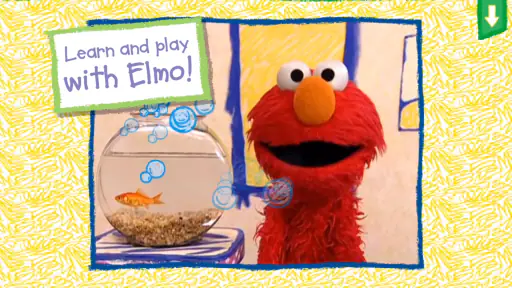
One of the standout features of Elmo's World and You is its interactive learning modules. Imagine your child giggling along with Elmo as he teaches them about colors, numbers, and the alphabet. The app leverages the beloved Sesame Street character to make learning an engaging adventure. It’s like having a mini-lesson with Elmo, right in your living room. The activities are designed to be simple yet effective, fostering early childhood education through play.
Where it fits among children’s games
Compared with a general collection of preschool games, this title has a clearer character-led identity: Elmo is the reason a young fan may want to open it. That familiarity can be an advantage for a child who already enjoys Sesame Street, because the character gives the play a friendly frame. A more open-ended drawing or building app may suit a child who wants to make things freely, while a dedicated learning app with a structured progression may be better for a parent seeking a curriculum-like sequence. I would choose this one for approachable, character-based play, not as a complete early-learning program.
That distinction also helps set expectations. The store summary presents a watch-and-play experience, and the game is best approached as entertainment with an educational flavor. I would not use it to replace an adult explaining a new idea or a child practicing with real objects. The strongest use is often the simple one: enjoy a familiar character together, then carry the child’s curiosity into a conversation or an offline activity.
Fun Activities Galore
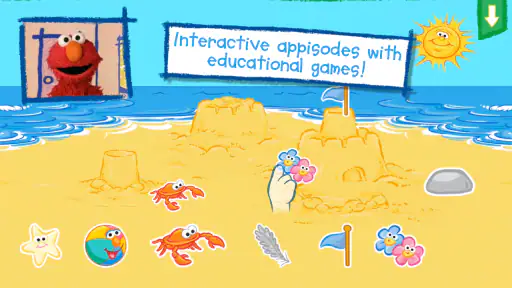
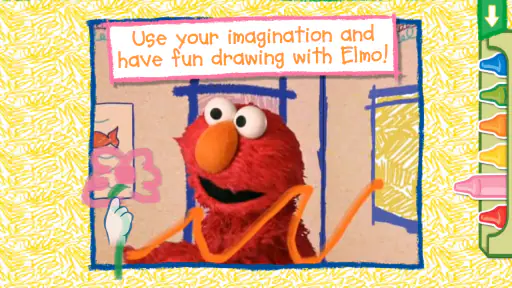
The fun doesn't stop at learning. The app is packed with various activities that keep your little ones entertained while enhancing their cognitive skills. From drawing with crayons to playing musical instruments, Elmo's World and You offers a plethora of games that are both educational and entertaining. The vibrant graphics and cheerful sound effects create an immersive environment that children find irresistible.
Keeping play manageable
For a parent, a helpful approach is to treat each visit as a small shared activity rather than assuming the child will always use the game in the same way. One day a child may want to watch and respond; another day they may want to tap around more freely. I would follow their interest, ask an occasional open question, and let silence be fine too. Constant quizzing can turn relaxed play into a test, which is not the feeling I would want from a preschool game.
It can also help to make the transition visible. Before opening the game, say what comes next in the day—snack, getting dressed, or putting toys away—then give a calm reminder when it is time to move on. This is not a control feature; it is a caregiver habit. It matters because children often find stopping harder when a device appears without a clear beginning and end.
Parental Controls and Safety
As a parent, I know how important it is to provide a safe digital environment for our kids. This app takes that into account with its robust parental controls. You can customize the settings to limit screen time and ensure that your child only accesses age-appropriate content. It’s reassuring to know that while your child is having fun, they are also in a secure digital space.
What to know about access and compatibility
The game is a paid download, rather than something I would assume is free to try, and its optional in-app purchases are a separate cost consideration. I would check the purchase controls on the device before a child uses it alone, especially if the child is likely to explore every on-screen option. The game is rated Everyone, but adult supervision still makes sense for young children, both for purchase boundaries and for help with transitions.
Its current version is 2.2, and the minimum operating system is 6.0. That gives a quick compatibility check for a household device, though I would still confirm the device can install it before planning to use it. The release date was February 14, 2023. It has a 4.1 average rating from 23 ratings, with 5K+ installs; those figures suggest some audience interest, but the rating pool is small enough that I would put more weight on whether the play style suits the child in front of me.
Sesame Workshop is the developer, and the familiar character is a meaningful part of the choice. If a child is not interested in Elmo, that familiarity may not help much; I would not buy it on the assumption that every preschooler responds to the same character. Likewise, a family looking for a quiet, no-screen activity, extensive parent-led lessons, or a broad library of varied themes may be better served by books, physical toys, or another kind of app.
Easy Navigation for Little Fingers
The app’s user interface is designed with young children in mind. The intuitive navigation makes it easy for kids to explore different sections without getting frustrated. Large buttons and clear instructions guide them through each activity, allowing them to enjoy the app independently. It’s like Elmo is holding their hand, guiding them through his world with ease.
When I would choose something else
I would skip this purchase if the main goal is a long, highly structured course, if a child is not drawn to Elmo, or if a family is trying to reduce screen use rather than add another digital option. A free-form art activity can be more rewarding for a child who wants to create without prompts, and a physical music toy can be a better fit when the aim is movement and sound away from a screen. The right alternative depends on the need; this game’s specific strength is the familiar, character-led invitation to play.
On the other hand, it makes sense for a family that already welcomes short screen activities and wants a recognizable Sesame Street presence in that time. I would especially consider it for a young child who enjoys Elmo and benefits from an adult nearby to turn a brief interaction into conversation. It is less compelling as a hands-off babysitter or as the only learning resource in a child’s routine.
A realistic day-to-day use
Picture a rainy afternoon when a child has finished a snack but is not ready to settle into a book. I would sit with them, open the game, and let them choose what interests them instead of directing every tap. If something sparks a question, we could pause and look for a related object around the home. When attention starts to wander, I would end the session and move to a different activity rather than trying to extend the play. That rhythm respects the child’s mood and gives the game a clear place in the day.
For repeat use, I would keep the routine predictable but not rigid: the same calm setup, an adult nearby, and a clear transition afterward. Repetition can make a young child more comfortable with the device, while changing the conversation around the activity keeps the experience from feeling like a lesson that must be completed. The key is not to invent extra goals for the game; it is to notice what the child actually enjoys and respond naturally.
My lasting impression
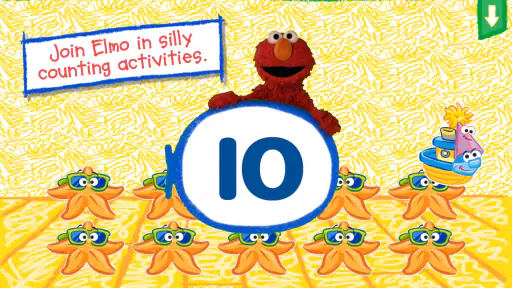
In conclusion, Elmo's World and You is more than just an app; it’s an educational journey that combines fun with learning. Whether it’s counting with Elmo or exploring colors, there’s so much for kids to discover. It’s a fantastic way for children to learn and play, all while keeping parents at ease with its safety features. If you’re looking for an app that will offer your kids endless hours of fun and learning, this is the one to download.
My recommendation is more measured: I would consider it a focused, character-driven option for a young Elmo fan, especially when an adult can share the moment and help the child move on afterward. It is not a universal fit, and the paid price plus optional purchases deserve a quick check before downloading. But for the right child and a family that prefers brief, guided screen play, it can make a cheerful addition to an already varied mix of stories, toys, and everyday discovery.
Elmo's World and You Pros and Cons
Pros
- Interactive and engaging for kids
- Educational content aligned with learning
- Colorful graphics and animations
- Easy for young children to navigate
- Incorporates popular Sesame Street characters
Cons
- Limited content without in-app purchases
- Requires constant internet connection
- Some features may be too advanced
- Ads can be distracting
- May not appeal to older kids
Frequently Asked Questions
What is Elmo's World and You app about?
Elmo's World and You is an interactive app designed for young children to explore and learn about the world alongside their favorite Sesame Street character, Elmo. The app offers various activities, games, and videos that are both educational and entertaining, focusing on topics like animals, music, and friendship. It encourages creativity and critical thinking in a playful environment.
Is Elmo's World and You app safe for kids to use?
Yes, Elmo's World and You is designed with children's safety in mind. The app features a child-friendly interface and does not contain any inappropriate content. Additionally, it is free from third-party advertisements and in-app purchases, ensuring a safe and uninterrupted experience for kids. Parental controls are also available to customize settings according to your child's needs.
What age group is Elmo's World and You app suitable for?
Elmo's World and You is primarily aimed at preschoolers, typically children aged 2 to 5 years. The app is crafted to match the developmental stages of young children, providing age-appropriate content that stimulates learning and curiosity. Its engaging activities are designed to captivate the attention of toddlers and preschoolers, making it a perfect educational tool for early childhood development.
Can Elmo's World and You app be used offline?
Yes, Elmo's World and You offers offline functionality for certain features. While some interactive games and videos require an internet connection to access additional content, many activities are downloadable and can be played without internet access. This makes it convenient for use during travel or in areas with limited connectivity, ensuring your child can enjoy learning anytime, anywhere.
How often is new content added to Elmo's World and You app?
The app regularly updates its content to keep the experience fresh and engaging for children. New activities, games, and videos are introduced periodically, reflecting current themes and educational trends. These updates aim to provide continuous learning opportunities and maintain the app's appeal, ensuring that users have access to the latest and most relevant content in early childhood education.


