

Drawing Games: Paint And Color
- Reviews
- 3.6
- Version
- 3.8
- Installs
- 1,000,000+

Screenshots
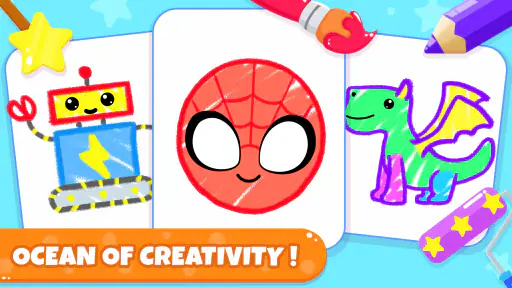
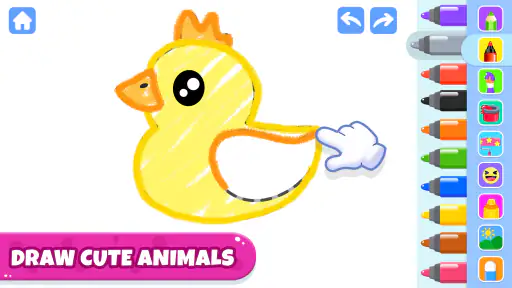
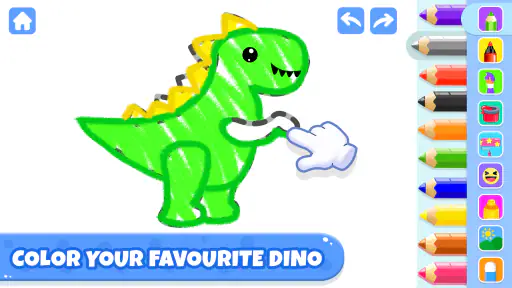
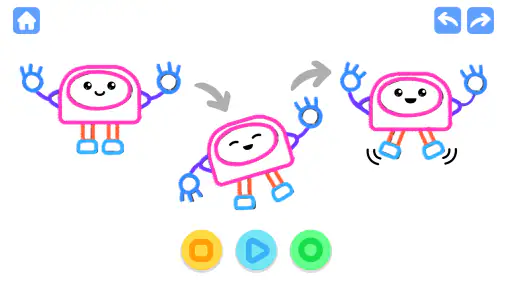
 Analysis by Frivlyz
On a shared tablet, a drawing game can be an easy way to give a child a quiet, creative activity while an adult gets dinner ready or answers a call. Drawing Games: Paint And Color is aimed at that sort of short, casual session: its educational focus and kid-friendly animal theme make it approachable for young children, while the simple idea of coloring gives an adult an easy way to join in. I would treat it as a playful activity rather than a full art program, though. The appeal is getting started quickly, not building a serious digital illustration workflow.
A small activity that fits family routines
For a realistic household use, I can picture opening it after a child has finished a snack and wants something to do before heading outside. An adult can sit nearby, let the child choose an animal and color it, then ask what colors or details they want to add. That turns a few minutes of screen time into a little conversation, without needing paper, paints, or a cleanup routine. It also works as a low-pressure activity for a child who enjoys pictures but is not yet ready to follow a structured drawing lesson.
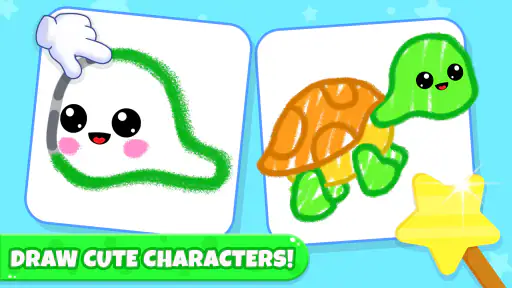
The animal subject matter gives the activity a natural starting point: a child can focus on making a familiar creature colorful rather than being expected to invent a picture from a blank page. That distinction matters for younger children, who may be keen to use colors but unsure what to draw. I would use it as one option in a mix of play, not as a replacement for crayons, messy experiments, or time away from screens.
Shared-device habits worth deciding in advance
If several children use the same phone or tablet, I would set a simple household routine before handing it over: one child chooses the activity, the next gets a turn afterward, and an adult handles any purchase prompts. That is practical advice rather than a claim about built-in profiles or family controls. The game is free to install, but it includes optional in-app purchases priced from $1.99 to $59.99 per item, so an adult should check how purchases are handled on the device before a child plays independently.
On a shared device, it is also useful to decide whether the child may show a finished picture to someone or leave it for the next person to see. A drawing activity can feel personal even when the picture is simple; asking before sharing helps keep the child involved in that choice. I would not assume that every creation is automatically saved or that separate children have separate spaces. If keeping a particular picture matters, check what the app offers during use and make a plan together rather than promising that it will be there later.
Keeping turns calm and expectations clear
With siblings, the most useful coordination may be less about the game itself and more about how the device is passed around. A short turn agreed in advance can prevent one child from feeling that another has taken over, especially when choosing colors and pictures is part of the fun. If a younger child needs help navigating, an older sibling can suggest ideas without taking control of the screen. I find that works better than turning the activity into a contest over whose picture is best.
There is another small trade-off with shared use: the child who is waiting can lose interest if the other person takes a long time to decide. I would have the waiting child choose an animal or color idea while the first person plays, then swap when the agreed turn is up. That keeps the activity social without requiring any particular multiplayer feature. It also gives a parent a natural moment to ask what the children notice about the animals, instead of leaving the tablet to occupy everyone silently.
Gaming Stories You May Enjoy

Dancing Road Turns Short Breaks Into a Test of Rhythm and Timing

Super Stylist Makes Every Outfit a Test of Taste and Patience

Dominoes on Your Terms: Who Should Play and Who Should Pass

Pokémon GO Makes the Familiar World Feel New

Chess.com Turns Rematches Into Rivalries, but Community Has Its Costs

Archery Battle 3D Review: Sharp Aiming, Unclear Feedback
Age, trust, and adult supervision
The age rating is Everyone, and the game is presented as drawing and coloring for children, but an age label does not tell an adult everything about how a child will use a device. I would still stay close enough to help a toddler understand the controls and to respond if a purchase prompt appears. The developer is Piggy Panda Inc, and the game has an educational label; in practice, I would frame its value as creative play and color exploration rather than expect a formal lesson or measurable learning outcome.
Adults deciding whether it suits a child should also consider patience and motor skills. A child who enjoys tapping colors and making choices may find the format inviting, while a child who wants to draw precise shapes from scratch may prefer a blank drawing surface and physical art materials. For a very young child, keeping the session brief and participating together makes the experience easier to guide. For an older child who wants more control over line work, layers, or detailed projects, I would look for a dedicated drawing tool instead.
Getting Started with Ease
Jumping into Drawing Games: Paint And Color is as smooth as butter. Once you download and open the app, you're greeted with a vibrant interface that's both intuitive and welcoming. It's like walking into an art studio where everything is laid out just for you. From the get-go, you'll notice that the app is designed with the user in mind, making navigation a breeze.
Tools Galore
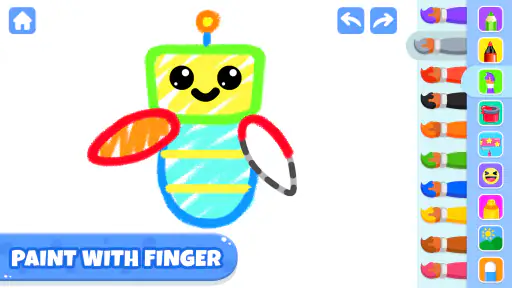
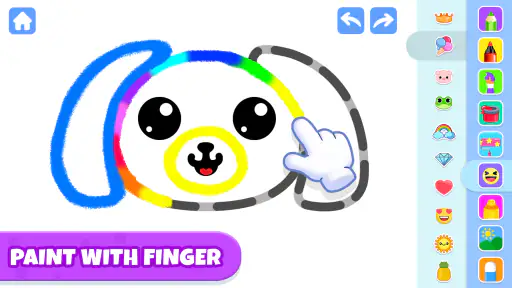
One of the standout features of this app is its extensive range of tools. Imagine having a toolbox filled with every kind of brush, pen, and color imaginable. Whether you're into sketching delicate line art or splashing bold colors across your screen, this app has got you covered. The brush selection is vast, giving you the freedom to experiment with different textures and techniques. Plus, the color palette is a joy to use, offering a rainbow of shades to choose from.
For a child using a small phone screen, I would prioritize ease of selecting a color over trying to create intricate details. A tablet can make coloring more comfortable because there is more room for a small hand to tap, but the game is still a casual activity rather than a substitute for a stylus-based art setup. If a child is frustrated by accidental taps or wants to control every fine line, switching to paper and washable crayons may be the better choice for that moment.
The practical advantage of digital coloring is that trying a color does not involve setting out supplies or worrying about paint on a table. The trade-off is that the child is interacting with a screen, and the result may not feel as tactile as drawing on paper. I would use the app when convenience matters—during a wait at home, for example—and keep real art materials available when the child wants to mix colors physically or make a picture with their own marks.
Fun for All Ages
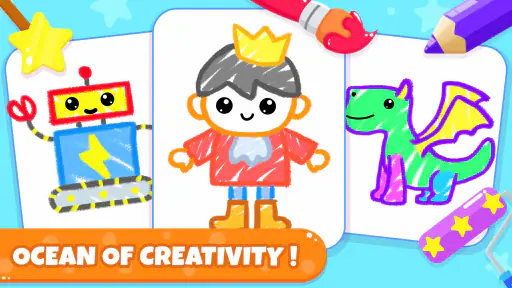
What's great about Drawing Games: Paint And Color is its universal appeal. It's not just for kids or adults; it's for everyone who loves to draw. The app includes a variety of templates and activities that cater to different skill levels, so whether you're a newbie or a pro, you'll find something that challenges and entertains you. And let's not forget about the relaxing coloring pages that are perfect for unwinding after a long day.
I would be more cautious about the “for everyone” idea in practice. Its strongest fit is a young child who likes coloring cute animals and benefits from a clear subject to work on. A parent or older sibling can enjoy joining in, but someone seeking advanced illustration controls, open-ended canvas work, or a structured art course should choose a different kind of app. The game’s educational category is a useful signal about its intended audience, not a promise that it teaches drawing skills in a step-by-step way.
Compared with a general-purpose drawing app, a child-focused coloring game usually asks for less planning: the picture gives the player a starting point, so there is less pressure to know how to compose an image. Compared with paper coloring books, it avoids carrying pages and supplies, but the child loses the physical sensation of coloring and the finished page they can pin up. Those are different strengths, so I would pick based on the child’s mood and the setting rather than assume one option is always better.
The game is free to download, which makes it easy to try before deciding whether it belongs in a household’s regular rotation. Its average rating is 3.6 from around 920 ratings, and it has been installed over a million times. Those figures give a broad sense of how widely it is used, but they do not tell me whether a particular child will enjoy the activity. I would let the child try a short session and judge by whether they stay engaged without needing an adult to steer every tap.
Sharing Your Masterpieces
Once you've created your digital masterpiece, sharing it with the world is just a tap away. The app makes it super easy to showcase your artwork on social media or send it to friends and family. There’s something incredibly satisfying about getting feedback on your creations, and this app encourages that by making sharing seamless and straightforward.
For a child, I would make sharing a choice to discuss together rather than an automatic next step. A finished picture can be shown to a grandparent or another family member with an adult’s help, while a child who would rather keep it private should not be pushed to post it. That approach keeps the focus on making the picture, not on getting reactions. It is also a sensible habit for families using a shared device, where an adult may be managing the accounts and deciding what leaves the device.
One useful way to get more from a short session is to ask the child to explain one choice: why that animal got those colors, or which part they enjoyed coloring most. It does not require a score, a lesson plan, or a perfect finished image. It helps an adult see whether the child is enjoying the creative choice or simply tapping through, and it gives the activity a natural endpoint when attention starts to drift.
Who should try it, and who may prefer another option
I would recommend giving it a try if you want a free, easy-to-start coloring activity for a young child, especially when a phone or tablet is already part of a supervised family routine. The game is rated for Everyone, the current version is 3.8, and it requires Android 6.0 or later. Those practical details make it straightforward to assess whether it can run on an Android device at home; the age rating and device compatibility still do not replace an adult’s judgment about the child or the household’s screen-time rules.
I would skip it if your main goal is a serious drawing workspace, a curriculum with clear teaching milestones, or a screen-free craft. It may also be a poor fit for a child who becomes upset when taking turns, has trouble with touchscreen controls, or would rather invent pictures without a template. In those cases, a basic sketching app, a physical coloring book, or a blank sheet of paper may better match what the child wants. The best alternative depends on whether the priority is convenience, open-ended creativity, or hands-on play.
For families deciding whether to keep it installed, I would look at three things after a few sessions: whether the child can get into an activity without constant help, whether the device can be shared without arguments, and whether the purchase settings are comfortable for the adult responsible for the device. If those points work in your home, the game can be a handy option for short creative breaks. If it leads to repeated disputes over turns or prompts, there is no reason to force it into the routine.
In conclusion, Drawing Games: Paint And Color is a delightful app that transforms your smartphone or tablet into a portable art studio. It's a fantastic way to explore your creativity, relax, and maybe even discover a hidden talent. So, if you're ready to dive into the world of digital art, give this app a try. Who knows, you might just paint your way to a masterpiece!
Drawing Games: Paint And Color Pros and Cons
Pros
- Simple and user-friendly interface.
- Wide variety of drawing tools available.
- Supports multiple file formats.
- Regular updates with new features.
- No intrusive ads.
Cons
- Limited free features.
- Requires internet for some functions.
- Occasional lag on older devices.
- No cloud saving option.
- Limited export resolutions.
Frequently Asked Questions
What features does Drawing Games: Paint and Color offer?
Drawing Games: Paint and Color provides a rich set of tools for artists of all ages, including various brushes, colors, and effects. Users can enjoy a range of templates and free-form drawing options, allowing for creativity to flow. The app also includes features like layers, undo/redo options, and easy sharing functions to showcase your artwork with friends and family.
Is Drawing Games: Paint and Color suitable for children?
Yes, Drawing Games: Paint and Color is designed to be user-friendly and is suitable for children. It offers an intuitive interface that helps kids to explore their creativity in a safe environment. The app includes educational elements that can help in developing fine motor skills and artistic abilities, making it a great choice for young artists.
Does the app require an internet connection to use?
Drawing Games: Paint and Color can be used offline, allowing users to draw and paint without the need for an internet connection. However, some features, such as cloud saving or sharing artwork on social media, might require internet access. This makes it convenient for users who wish to use the app on the go.
Are there in-app purchases available in Drawing Games: Paint and Color?
Yes, the app offers in-app purchases that can enhance the user experience. These may include additional brush packs, color palettes, and premium templates. While the basic features are free, purchasing premium options can provide users with more tools and resources to create detailed and vibrant artwork.
What platforms is Drawing Games: Paint and Color available on?
Drawing Games: Paint and Color is available on both Android and iOS platforms, making it accessible to a wide audience. Users can download it from the Google Play Store or Apple App Store. The app is optimized for both smartphones and tablets, ensuring a seamless drawing experience across devices.


