

Drawing Games for Kids
- Reviews
- 4.2
- Version
- 1.43
- Installs
- 1,000,000+

Screenshots
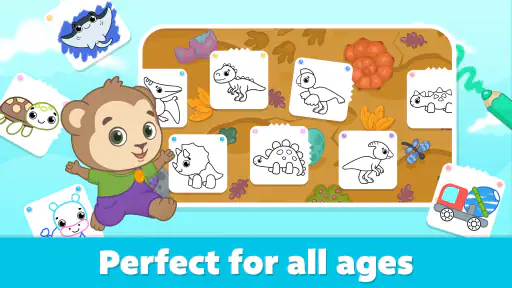
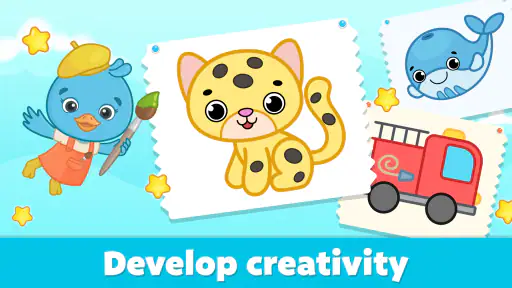
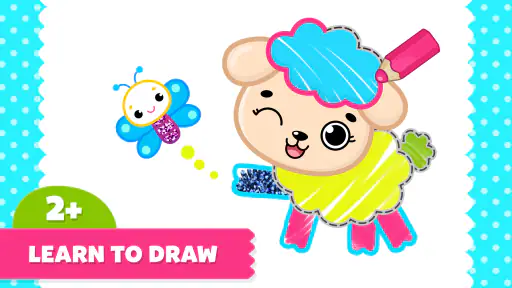
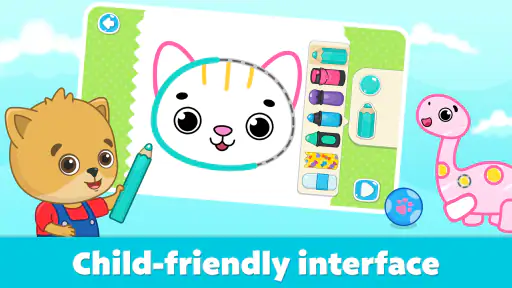
 Analysis by Frivlyz
When I want to give a young child a calm, hands-on activity without pulling out paper and paints, Drawing Games for Kids is the kind of app I consider. It is a free educational game from Bimi Boo Kids Learning Games for Toddlers FZ-LLC, aimed at children and rated for Everyone. The current version is 1.43, and the game has a 4.2 average from around 9,200 ratings, with over a million installs. Those numbers suggest it has found a sizeable audience, but the more useful question for a parent is whether its drawing activities suit the way their child likes to play.
Small first goals make drawing feel approachable
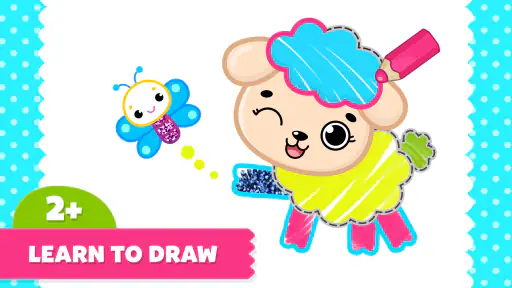
The clearest starting point is the simple invitation to make marks, fill in pictures, and spend time with colors. For a toddler who is still getting used to tapping and dragging on a screen, that is a more manageable first goal than an open-ended blank canvas. The collection includes more than 200 coloring pages, so a child can choose a picture and begin without needing an adult to invent an activity first.
I would treat the pages as prompts rather than a course with a fixed sequence. A child can pick something that catches their eye, try a few colors, and decide when they are done. That freedom is a strength for short play sessions, though it also means parents should not expect a structured lesson plan or a steadily advancing set of levels. The fun is in choosing and making, not in chasing a finish line.
Progress is personal, not a score
With a drawing game, progress is often easiest to notice in the child’s confidence: a toddler who first taps at random may start choosing colors deliberately, staying with a picture longer, or telling you what they are making. I find those small changes more meaningful than a badge or score. The activity gives a child room to experiment, while the finished image offers a natural moment to talk about color, shape, or the choices they made.
That also makes it useful for a parent sitting nearby. Instead of correcting a child’s coloring or trying to make every picture look polished, I would ask what they chose and let them explain. The app can provide the prompt, but the conversation is where much of the shared learning happens. It is a low-pressure way to make screen time feel more social than simply handing over a device.
A gentle challenge, with limits to how far it goes
The drawing itself is accessible, which makes sense for a game aimed at babies and toddlers as well as young children. A very young player can explore by tapping and moving a finger, while an older child may enjoy making more deliberate choices within a page. But families looking for increasingly demanding puzzles, timed challenges, or a visible skill ladder may find the experience too simple. Its appeal is relaxed creative play rather than a steep difficulty curve.
That softness is not automatically a weakness. When a child is tired or needs a quiet activity, a task that does not punish mistakes can be a better fit than a game that demands repeated attempts. On the other hand, if your child is already keen on drawing detailed scenes, wants more control over brush behavior, or needs a structured path through art skills, a dedicated drawing tool or guided art curriculum may suit them better.
Gaming Stories You May Enjoy

Dancing Road Turns Short Breaks Into a Test of Rhythm and Timing

Super Stylist Makes Every Outfit a Test of Taste and Patience

Dominoes on Your Terms: Who Should Play and Who Should Pass

Pokémon GO Makes the Familiar World Feel New

Chess.com Turns Rematches Into Rivalries, but Community Has Its Costs

Archery Battle 3D Review: Sharp Aiming, Unclear Feedback
Keeping interest without turning play into pressure
There is no need to treat every page as something to complete. I would let a child stop when their interest fades, then offer another picture on a different day. That approach suits the short attention spans common in early childhood and avoids turning a coloring activity into a demand to finish. The large page collection helps provide choice, but variety alone does not guarantee that every child will stay interested.
One practical routine is to use it during a predictable pause, such as while waiting for a meal or winding down after coming home. Sit with the child for the first few minutes, help them choose a page, and then give them space to explore. If they become frustrated, simplify the goal: choose one color, fill a small area, or simply make a few marks. That keeps the activity centered on enjoyment rather than on producing a picture that looks “right.”
Families should also think about the device and the setting. Touchscreen drawing can be convenient, but it is not a full replacement for crayons, paper, or tactile art materials. A child who likes feeling the texture of paint or choosing from physical supplies may prefer an offline craft. I see the app as a handy option for contained, portable play—not a reason to drop hands-on drawing altogether.
What the free download means for a family
The game is free to download, but it includes in-app purchases priced from $5.99 to $39.99 per item. That is worth factoring into the decision, especially if a child will use the device independently. I would check the purchase settings on the device and stay nearby when a young player explores the app, rather than assuming that a free download means every part of the experience is free. This is a useful precaution for any family app with optional purchases.
It is also worth setting expectations around what “educational” means here. Coloring can give children practice with choosing colors, controlling a finger on a screen, and staying with a task, but it does not replace adult interaction or a broader early-learning routine. If your main goal is letter practice, number skills, or a carefully sequenced curriculum, choose an app focused specifically on those outcomes. This one makes more sense when creativity and simple, approachable drawing are the priority.
How it compares with paper and other drawing apps
Compared with a blank-canvas drawing app, pre-made coloring pages lower the barrier to starting: a young child does not need to decide what to draw from scratch. That can be especially helpful when they want to make something but are not yet confident about inventing a picture. The trade-off is less open-ended control than a tool built for freehand illustration, where older children can shape every detail themselves.
Compared with physical coloring books, the digital format is easier to bring along and avoids loose pages and coloring supplies. Paper still wins for tactile play, sharing a table with siblings, and keeping a permanent drawing without relying on a screen. I would choose between them based on the moment: the app for a short, tidy activity while travelling or waiting; paper and crayons when the aim is a longer craft session or hands-on practice.
A useful tip is to let the child choose the page before handing over the device, especially if they are easily overwhelmed by too many options. You can also agree on a natural stopping point, such as finishing one small part or showing you the colors they picked. These simple boundaries help make the app a purposeful activity instead of an unplanned stretch of screen time.
Who will enjoy it—and who may want something else
I would recommend it most to parents of toddlers and younger children who enjoy coloring but need an easy starting point. It can also work for a caregiver who wants a portable activity to share with a child, since the pages give you something concrete to talk about together. The Everyone age rating is reassuring as a broad content classification, but it does not mean every feature or purchase choice should be left unattended with a very young user.
I would skip it if your child wants advanced drawing controls, a demanding game loop, or clear rewards that mark each stage of progress. It may also be a poor fit for a family trying to reduce screen use or for a child who becomes upset when drawing on a screen feels less natural than drawing on paper. In those cases, a physical coloring book, open-ended art materials, or a more structured learning app would be a better match.
Unleashing Creativity
Kids are natural artists, and with Drawing Games for Kids, they can explore their artistic side freely. The app is packed with vibrant colors, a variety of brushes, and fun shapes that make drawing an absolute delight. Whether your child is into doodling or creating masterpieces, the app has it all.
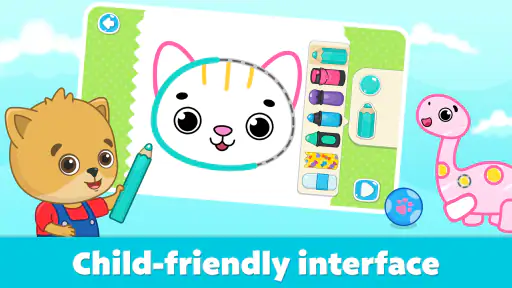
What I really enjoyed about this app is how it encourages self-expression. It’s more than just a drawing app; it's an adventure for kids to explore their thoughts and ideas through art. The user interface is super friendly, so even the youngest artists can navigate without a hitch.
Interactive Learning
Not only do these games offer a canvas for creativity, but they also sneak in some learning. Many of these apps are designed with educational elements that teach colors, shapes, and even letters. It's like getting a little art lesson and a school lesson all in one go!
I noticed that the app often includes mini-games and challenges that subtly teach skills like pattern recognition and hand-eye coordination. It's a fantastic way to keep kids entertained while learning, and parents can feel good knowing their kids are gaining valuable skills.
Fun for All Ages
One of the things I appreciate most is how these games cater to a range of ages. From toddlers scribbling their first lines to older kids sketching more complex images, there’s something for everyone. The app's ability to grow with your child means it's a long-term investment in their development.
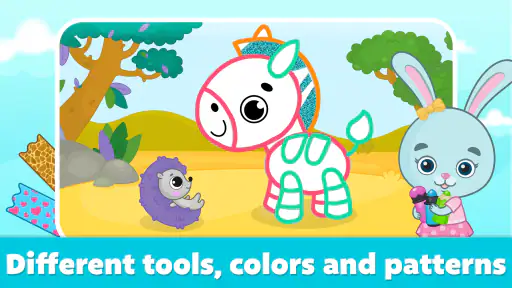
The variety of drawing tools and templates ensures that your child will never get bored. Plus, the app often updates with new themes and features, keeping the content fresh and exciting.
Parental Controls and Safety
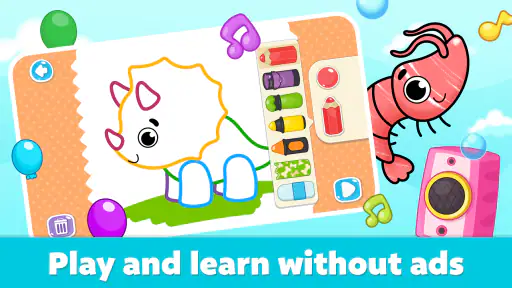
As a parent, safety is always top of mind. The developers have done a great job ensuring the app is a safe space for kids. There are no ads or in-app purchases lurking around, so you can let your child play without any worry. The parental controls are easy to set up, allowing you to manage how the app is used.
Another feature I found super helpful is the ability to save and share your child’s creations. It's a fantastic way to keep track of their progress and share their artwork with family and friends. Plus, it's always fun to look back and see how much they've improved over time.
Wrapping Up the Fun
So there you have it! Drawing Games for Kids isn’t just an app; it's a gateway to countless hours of fun and learning. Whether your child is a budding Picasso or just loves to doodle, this app is sure to keep them engaged and happy.
If you're ready to introduce your child to a world of creativity and education, be sure to check out the download links for Android or iOS. Trust me, you won't regret it. Happy drawing!
Drawing Games for Kids Pros and Cons
Pros
- Engaging and colorful graphics.
- Simple interface for young kids.
- Wide variety of drawing tools.
- Encourages creativity and learning.
- No in-app purchases required.
Cons
- Limited advanced features.
- Might lack depth for older kids.
- Occasional ad interruptions.
- Requires internet for full features.
- Limited offline access.
This Game in Other Languages
Frequently Asked Questions
What age group is Drawing Games for Kids suitable for?
Drawing Games for Kids is designed for children ages 3 and up. It offers age-appropriate content that encourages creativity through drawing and coloring activities. The interface is simple and intuitive, making it easy for young children to navigate without assistance. Parents can feel confident that the content is educational and engaging.
Does Drawing Games for Kids require an internet connection to play?
No, Drawing Games for Kids does not require an internet connection for most of its features. This makes it perfect for travel or situations where Wi-Fi is not available. However, some additional content or updates might need an internet connection to download initially. Once downloaded, kids can enjoy offline play.
Are there in-app purchases in Drawing Games for Kids?
Yes, Drawing Games for Kids includes optional in-app purchases. These may include additional drawing tools, coloring pages, and themes. While the app offers a comprehensive free version, purchasing extras can enhance the experience. Parents can control purchases with settings on their device to prevent accidental buys.
Is Drawing Games for Kids safe for children to use?
Absolutely, Drawing Games for Kids is designed with safety in mind. It features no third-party advertisements and has parental controls for in-app purchases. The content is curated to be educational and entertaining, ensuring a safe environment for children to explore their creativity without exposure to inappropriate material.
Can my child save and share their artwork in Drawing Games for Kids?
Yes, children can easily save their artwork within the app. It also offers options to share creations via email or social media, with parental consent. This feature allows children to showcase their creativity to family and friends, fostering a sense of accomplishment and pride in their work.


