

Crossword Puzzle Explorer
- Reviews
- 4.8
- Version
- 1.372.2
- Installs
- 1,000,000+

Screenshots
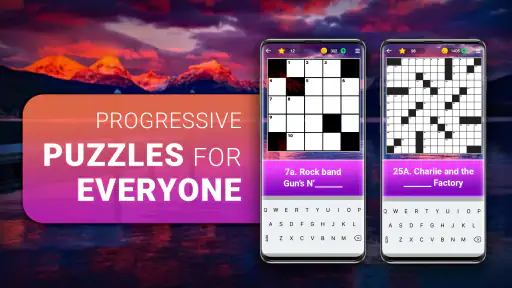
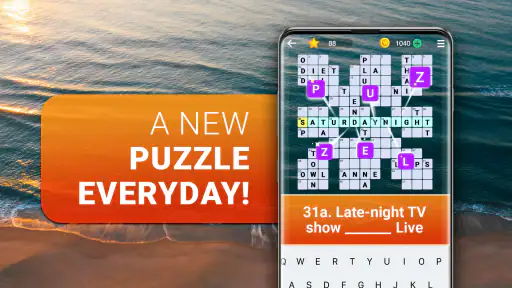

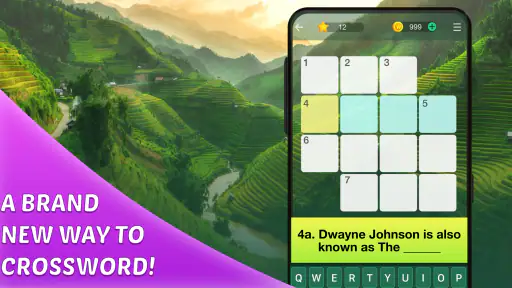
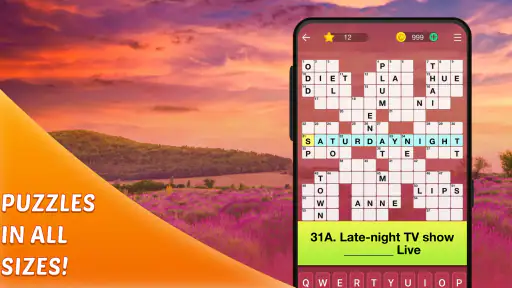
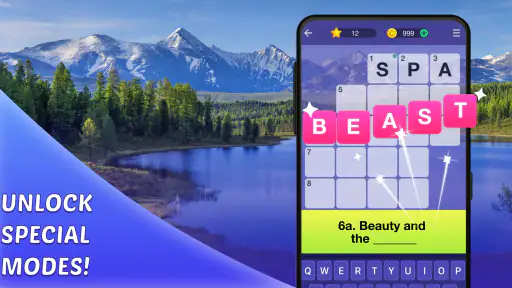
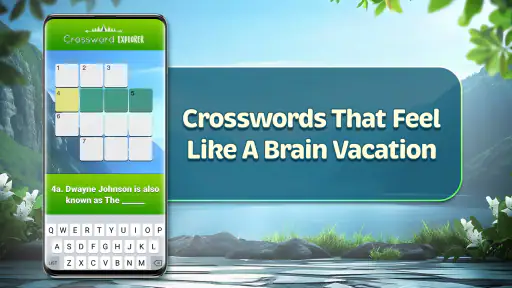
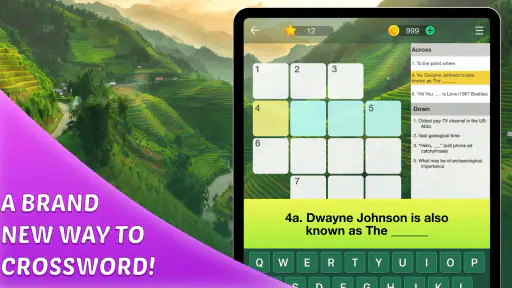
 Analysis by Frivlyz
I tend to notice crossword friction at the least convenient moment: I have a few quiet minutes, open a puzzle, and then hesitate over an unfamiliar clue or lose track of what I meant to try. Crossword Puzzle Explorer is aimed at making that kind of word-game session easy to pick up, with puzzles designed to keep you thinking rather than demand a long stretch of uninterrupted attention. My main advice is to treat it as a casual puzzle companion, not as a replacement for every kind of crossword experience.
Where a solving session can stall
The difficult part of a crossword is often not the clue that looks impossible, but the cluster of crossings that depends on it. When I get stuck, I try filling the answers I feel most confident about first. Those letters can turn a vague clue into a much more manageable one, and they help me avoid using a hint simply because I started with the hardest corner.
The hint system can be useful when that approach stops working, but I find it works best as a last nudge rather than my first move. Before reaching for help, I reread the clue, check whether a crossing letter conflicts with another answer, and consider whether the wording might point to a different meaning. That small pause makes a hint more valuable: I am using it to get moving again, not skipping the thinking that makes the puzzle satisfying.
Simple checks before blaming the puzzle
When a game does not feel as smooth as expected, I start with ordinary checks rather than assuming the crossword itself is broken. I make sure the app has finished opening, check that my device is responding normally, and try again when I have a steadier connection if an online part of the experience is not loading. These are general troubleshooting steps, not special tricks; they are simply a sensible first pass before spending time on a problem.
I also keep in mind that a word puzzle can feel harder when I am tired, distracted, or trying to solve too quickly. If I have entered a few guesses and the grid seems to be going nowhere, I step away and return later with fresh eyes. A short break often helps me spot the clue I had been reading too narrowly. That is a better recovery strategy than tapping around at random and losing confidence in answers I had already worked out.
What to do when progress feels stuck
If I lose momentum, I switch to another part of the grid instead of repeatedly attacking the same clue. Even a small answer can supply useful letters elsewhere, so moving around is a practical way to restart. I also avoid changing several guesses at once: correcting one uncertain answer at a time makes it easier to see which crossing was causing trouble.
For a busy day, I like the option of treating a puzzle as a series of brief visits rather than a timed test. I might solve a few clues while waiting for coffee, put the phone away, then finish later when I have another quiet moment. That approach suits the casual rhythm of the game, though anyone who wants a strict, uninterrupted tournament-style session may prefer a dedicated competitive crossword experience.
Gaming Stories You May Enjoy

Dancing Road Turns Short Breaks Into a Test of Rhythm and Timing

Super Stylist Makes Every Outfit a Test of Taste and Patience

Dominoes on Your Terms: Who Should Play and Who Should Pass

Pokémon GO Makes the Familiar World Feel New

Chess.com Turns Rematches Into Rivalries, but Community Has Its Costs

Archery Battle 3D Review: Sharp Aiming, Unclear Feedback
Exploring New Territories
First off, the sheer variety of puzzles available on Crossword Puzzle Explorer is mind-blowing. Whether you're a novice or a seasoned pro, there's something to challenge you and keep you coming back. I personally love how the app introduces new themes regularly. From pop culture to geography, each crossword feels like a mini-adventure in its own right.
Interface and Usability
Now, let’s talk about the interface. The app is crisp and clean, making it super easy to navigate. I appreciated the clutter-free design, which means I can focus entirely on solving the puzzles without any distractions. Plus, the app runs smoothly on both Android and iOS, so whether you’re at home or on the go, it’s always ready to entertain.
Features That Stand Out
What really sets this app apart are the extra features that cater to all kinds of crossword enthusiasts. For instance, the hint system is a lifesaver when you hit a brick wall. These hints are cleverly designed to give you just the right nudge without spoiling the whole puzzle. And if you're feeling competitive, the daily challenges and leaderboards are there to spice things up. It’s a great way to test your skills against friends or players worldwide.
Another cool feature is the ability to sync your progress across devices. I can't stress enough how handy this has been for me. I often switch from my phone to my tablet, and being able to pick up right where I left off is just perfect.
Choosing the right kind of word game
As a word puzzle game from PlaySimple Games, this is a good fit if you like clues, crossings, and the small satisfaction of watching a grid come together. I would choose it over a paper crossword when I want something easy to carry and return to in spare moments. Compared with a word-search game, it asks more of your vocabulary and clue interpretation; compared with a traditional newspaper crossword, its themed, app-based feel is more suited to casual play than to someone seeking a particular print style or a carefully curated puzzle collection.
It is free to start, with in-app purchases ranging from $0.99 to $49.99 per item. I would decide whether those purchases suit me only after trying the free experience, rather than treating hints or other paid options as necessary to enjoy the puzzles. The game is rated for Everyone, and its average rating is 4.8 from around 31,000 ratings, with more than a million installs. Those figures suggest a broad audience, but they cannot tell you whether its clue style will match your own preferences.
Who will enjoy it—and who may not
I’d recommend it to people who enjoy learning through wordplay, want a low-commitment way to fill short breaks, or like returning to a puzzle after being interrupted. It can also work for a household where one person likes to solve aloud while another offers guesses, because clues naturally invite discussion. For a realistic routine, I might open it during a bus wait, answer the clues I know, and leave the stubborn ones for an evening cup of tea instead of turning the commute into a race.
I would be more cautious if you dislike hints, challenges, or competitive elements in puzzle games, or if you want a highly controlled crossword format with a specific difficulty progression. A dedicated crossword app or printed puzzle may be a better choice for that. The themed variety is part of the appeal, but it also means the pleasure depends on whether those subjects and clue styles click for you; a pop-culture reference can feel lively to one player and like an arbitrary obstacle to another.
When the app may not be the cause
If something seems unavailable or progress does not appear where I expect, I first check that I am using the same device and account context I normally use, then give the app a moment to settle before making more changes. I avoid reinstalling or clearing app information as an early response, since those steps can create extra recovery work. If a problem persists, checking that the app and device are up to date and using the relevant store’s support route is more sensible than repeatedly guessing at fixes.
For switching between devices, I would verify that the progress has had time to sync before continuing on the second screen. A practical habit is to finish a short session, allow a moment for the change to register, and then open the other device. If the latest answers are not visible immediately, I would avoid solving the same section in parallel; that makes it easier to tell whether the issue is simply delayed updating or a genuine mismatch.
Version, access, and expectations
The current version is 1.372.2, and the stated minimum Android requirement is 7.0. If you are considering installing it on an older device, checking compatibility in the app store before setting aside time to play is a useful first step. The game is free, but optional purchases are part of the experience, so I would keep that in mind if a child will use the device or if you prefer to avoid in-game spending. Its Everyone age rating makes it broadly accessible, but it is still worth setting household purchase preferences in the way that works for you.
It was released on July 10, 2020, and PlaySimple Games has continued to provide a current version. I would not use the release date alone to judge whether the game suits me; the more useful question is whether its crossword presentation, themes, and optional competitive elements make me want to return. If your main concern is basic access, check the device requirements first; if your concern is the solving experience, try a few puzzles before deciding whether its clue style feels fair and enjoyable.
Ending Thoughts
So, after spending some quality time with Crossword Puzzle Explorer, I can confidently say it’s a must-have for any puzzle lover out there. It’s more than just an app; it’s a gateway to a world of fun, learning, and mental exercise. So, if you haven't already, give it a whirl. Who knows, you might just discover a new favorite pastime!
Whether you're killing time waiting for your coffee or winding down after a long day, this app is your perfect companion. Happy puzzling!
Crossword Puzzle Explorer Pros and Cons
Pros
- User-friendly interface
- Variety of puzzle levels
- Offline play available
- Daily puzzles for engagement
- Hints help when stuck
Cons
- Ads can be intrusive
- Limited free puzzles
- Occasional app crashes
- In-app purchases needed
- No multiplayer option
Frequently Asked Questions
What is Crossword Puzzle Explorer?
Crossword Puzzle Explorer is a mobile app designed for word puzzle enthusiasts. It provides a vast collection of crosswords that range in difficulty, allowing users to challenge themselves and improve their vocabulary. Available on both Android and iOS, it offers an engaging and mentally stimulating experience for users of all ages.
How do I play Crossword Puzzle Explorer?
To play Crossword Puzzle Explorer, simply download the app from your device's app store. Once installed, you can choose from a variety of crossword puzzles. The goal is to fill in the grid using the given clues. Each correct word will intersect with others, helping you solve the entire puzzle.
Is Crossword Puzzle Explorer free to use?
Crossword Puzzle Explorer offers a free version that includes access to a number of puzzles. However, it also provides in-app purchases and subscriptions for additional features, such as ad-free gameplay and access to premium puzzles. Users can choose according to their preference and budget.
Can I play Crossword Puzzle Explorer offline?
Yes, Crossword Puzzle Explorer allows users to download puzzles for offline play. This means you can enjoy solving crosswords even without an internet connection, making it a perfect companion for commutes or when traveling to areas with limited connectivity.
Does Crossword Puzzle Explorer support multiple languages?
Currently, Crossword Puzzle Explorer primarily supports English crosswords. However, the developers are continually working on updates, and there may be future releases that include puzzles in other languages. Keep an eye on updates to see if additional languages become available.


