

Code Land: Coding for Kids
- Reviews
- 4.6
- Version
- 2026.02.00
- Installs
- 500,000+

Screenshots
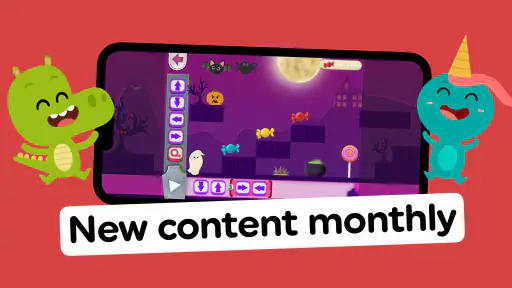
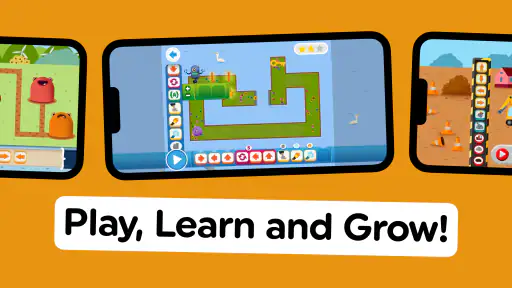
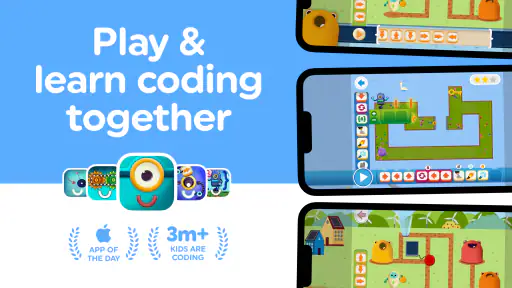
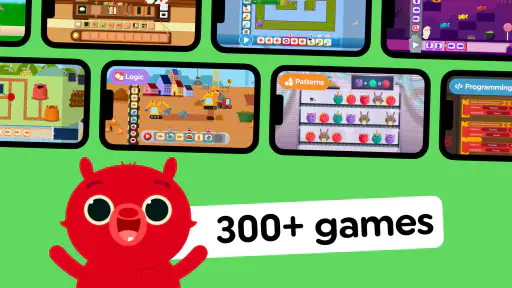
 Analysis by Frivlyz
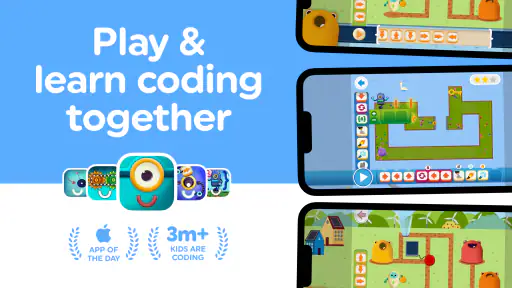
I like the idea of giving children screen time that asks them to think rather than simply tap through distractions. Code Land: Coding for Kids is an educational game from Learny Land that introduces programming ideas through puzzles and playful challenges. It is free to start, rated for everyone, and has a 4.6 average from around 2.9K ratings, so it has attracted plenty of families looking for a gentle first step into coding.
Where the game fits today
The main appeal is its visual approach: children work with commands and arrange them to solve problems, rather than having to type code or understand programming vocabulary first. That makes it easier to try with a child who is curious about how games work but is not ready for a text-based coding lesson. I would treat it as a first encounter with computational thinking, not as a complete coding course.
Its store summary points to logic and ScratchJr-style coding, which gives parents a useful sense of its educational direction. The game is built around learning by doing: a child can test an idea, see what happens, and adjust the sequence of instructions. That kind of trial and correction is more useful than memorizing definitions, especially for a young beginner.
What the puzzles can teach
The original experience describes missions and puzzles that introduce sequences, loops, and conditionals. Those ideas are central to understanding how instructions work: a sequence sets an order, a loop repeats an action, and a condition changes what happens when a rule is met. When a child has to place commands in the right order, they are practicing these building blocks without needing to read a page of explanations first.
A practical way to make a play session more valuable is to ask your child to predict the result before running a solution. If it fails, invite them to point to the instruction they think caused the problem instead of immediately giving the answer. This turns a quick puzzle into a small reasoning exercise and helps distinguish genuine understanding from trial-and-error tapping.
The game’s progression is described as becoming more challenging as children master the basics. That can make it a better fit than a single set of introductory activities, but I would still pay attention to how your child responds. If they begin repeating moves without thinking, pause and ask them to explain the goal or describe what they expect their commands to do.
A useful role for parents
The interface is presented as straightforward, with hints and tutorials for moments when a child gets stuck. That is helpful, but I would not assume every young player will want to work entirely alone. Sitting beside them for the first session can help you see whether they understand the visual commands, whether they can move through the activities comfortably, and when a hint is more useful than another attempt.
Gaming Stories You May Enjoy

Dancing Road Turns Short Breaks Into a Test of Rhythm and Timing

Super Stylist Makes Every Outfit a Test of Taste and Patience

Dominoes on Your Terms: Who Should Play and Who Should Pass

Pokémon GO Makes the Familiar World Feel New

Chess.com Turns Rematches Into Rivalries, but Community Has Its Costs

Archery Battle 3D Review: Sharp Aiming, Unclear Feedback
There is also a sensible trade-off in having guidance available. A hint can keep a child from abandoning a puzzle, while using it too quickly can take away the chance to reason through the challenge. I would encourage a child to try one or two different solutions before opening a hint, then ask what the clue helped them notice. That small routine makes assistance part of learning rather than a shortcut to finishing.
How it compares with other ways to learn
Compared with coding games that rely on typing, this block-based style is less demanding for children who are still developing reading and keyboard skills. Compared with a general puzzle game, it has a clearer connection to programming concepts, though a child may not notice that connection unless an adult occasionally names what they are practicing. It is also different from a classroom course: it can make an informal introduction approachable, but it should not be mistaken for a structured curriculum with a teacher tracking progress.
For a child who already enjoys ScratchJr or another visual coding tool, this may work as a playful companion rather than a replacement. A more open-ended coding environment is a better choice when the child is ready to create and customize projects; a guided puzzle game is more suitable when they benefit from one focused problem at a time. The right choice depends less on age alone than on whether your child likes solving constrained challenges or inventing their own projects.
Getting to Know Code Land
So, what's the deal with Code Land: Coding for Kids? It's a colorful, interactive app designed to introduce children to the basics of coding. Think of it like a playground where your kids can learn the logic behind coding without even realizing it. I was skeptical at first—how can an app teach coding to kids who are just learning to read? But trust me, this app has it figured out.
Engaging Gameplay
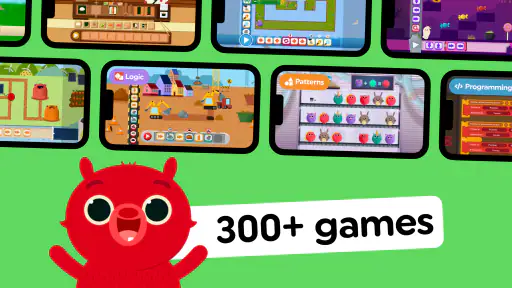
The first thing that struck me was the game-like structure. Kids embark on missions and solve puzzles, which are essentially coding challenges in disguise. The app uses a block-based coding system, which is a fantastic way to introduce the principles of coding in a visual and intuitive manner. It's like a jigsaw puzzle but with commands!
What I really like is how the app keeps kids engaged. It doesn’t bombard them with information but rather lets them learn at their own pace. And let's be real, the vibrant graphics and cute characters don’t hurt either. It's like a mini-world where learning and play go hand in hand.
Educational Value
Okay, let's talk about the educational aspect because that's what we're here for, right? The app is structured to teach key concepts such as loops, sequences, and conditionals. These are fundamental coding concepts simplified to a child's level. What's more, the app provides instant feedback, so kids know right away if they've got it right or need to try again. It's a great way for them to learn from their mistakes without any frustration.
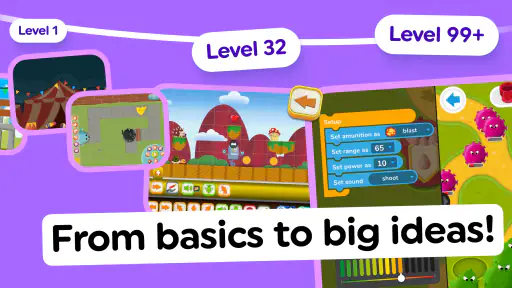
There's also a progression system, which means the app grows with your child. As they master the basics, the challenges become more complex, keeping them motivated and eager to learn. It's a clever way to ensure the app remains relevant and challenging as your child advances.
User Experience
From a parent's perspective, the user interface is intuitive and easy to navigate. You won’t need to spend time figuring out how to get started. The app's design makes it easy for kids to jump in and start playing without needing much assistance. And if your child gets stuck, there are hints and tutorials available, which is a nice touch.
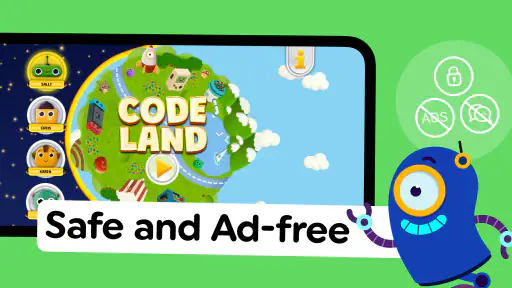
One thing I appreciate is the absence of ads. In a world filled with apps that bombard you with ads, it’s refreshing to find one that lets kids focus solely on learning and playing. It’s a small detail, but it makes a big difference in the overall experience.
Why It Stands Out
What makes Code Land: Coding for Kids stand out is how it combines learning with fun. It's not just an app where kids tap mindlessly on the screen. Instead, it encourages critical thinking and problem-solving skills. The app is designed to spark curiosity and creativity, which are essential skills in today’s tech-driven world.
Moreover, it's an app that parents can feel good about. You're not just handing your child a tablet to keep them occupied; you're giving them a tool to develop valuable skills. And let's face it, in a future where technology is everywhere, learning to code is almost as important as learning to read or write.
How it works in an ordinary day
I can picture this working well during a short wait at a café or as a planned activity after homework. A parent can set a small goal—solve one puzzle, then explain the solution—rather than letting the session drift into unstructured screen time. Because the challenges are bite-sized, the child can stop at a natural point without needing to commit to a long lesson. I would still keep the device nearby and make the first few sessions shared; the learning is clearer when a child talks through their choices.
For younger children, the most useful support may be explaining what a command means in plain language and helping them notice the order of the blocks. For older beginners, try asking them to solve a challenge in a different way after they find one working answer. A second valid approach can reveal whether they understand the logic or only stumbled onto a successful sequence.
Cost, access, and choosing the right fit
The game is free to download, with in-app purchases listed from $1.49 to $49.99 per item. I would check the purchase options with a parent before handing over the device, particularly if a child can navigate the store controls independently. The free starting point makes it easy to see whether the style suits your family, but it is worth treating optional spending as a separate decision rather than assuming every part of the experience is included.
It is available for devices running Android 7.0 or later, and its current version is 2026.02.00. The game first appeared on November 11, 2021, so it is not a brand-new release; the current version number shows that it has continued to receive version updates. That is encouraging for families already using it, but a version number alone does not tell me exactly what changed or whether a particular puzzle has been revised. Existing players can focus on whether the current build still runs comfortably on their device and whether their child remains engaged with the challenges.
With more than 500K installs and an Everyone age rating, it is an established option for families seeking a child-friendly coding introduction. Those figures are useful context, not a guarantee that it will suit every child. A learner who prefers drawing, storytelling, or open-ended construction may get more from a creative app, while a child who enjoys clear goals and immediate puzzle feedback is more likely to settle into this format.
Limits worth keeping in mind
The biggest limitation is also part of the design: guided puzzles make a first coding experience less intimidating, but they do not offer the same freedom as building a project from scratch. A child may learn to arrange commands successfully without yet knowing how to apply those ideas to a new creation. I would pair the game with conversations about everyday sequences—following a recipe, giving directions, or describing the steps in a familiar task—so the logic does not stay locked inside the screen.
Another consideration is that “educational” does not mean every session will feel like a lesson. Children may focus on finishing a level or enjoying its characters, and that is fine, but parents should not expect a game to replace patient explanation or broader digital skills. If your goal is a formal path into programming, look for a course or a more open-ended tool once your child is ready to move beyond guided challenges. If your goal is a low-pressure way to explore basic logic, this is a more natural starting point.
What I would watch as a parent
When deciding whether to keep using it, I would look for signs of transfer: does your child start planning a sequence before tapping, notice why an instruction made a solution fail, or use ideas like repetition in conversation? Those observations are more meaningful than simply counting completed puzzles. If the child is guessing rapidly, slow the session down; if they can explain their choices and want harder problems, the gradual progression may be doing its job.
I would also revisit the fit as your child’s interests change. A beginner who once needed guided, visual tasks may later want to make a game or story, at which point a creative coding environment may be more rewarding. Conversely, a child overwhelmed by open-ended tools may prefer returning to the clear goals here. The useful question is not whether one format is universally better, but whether it gives this particular learner the right balance of structure and independence right now.
Final Thoughts
All in all, Code Land: Coding for Kids is a win-win for both parents and children. It’s fun, educational, and provides a solid foundation in coding. Whether your child is a budding tech enthusiast or just loves a good puzzle, this app is definitely worth checking out. So why not give it a try and see where your child's coding adventure takes them?
Code Land: Coding for Kids Pros and Cons
Pros
- Engaging puzzles encourage logical thinking.
- Colorful graphics attract young learners.
- Adaptive difficulty suits various skill levels.
- No ads ensure a distraction-free experience.
- Offline mode available for on-the-go fun.
Cons
- Limited levels may not challenge advanced users.
- Requires initial guidance for younger kids.
- In-app purchases for extra content.
- Lacks voice instructions for non-readers.
- No multiplayer mode for collaborative play.
This Game in Other Languages
Frequently Asked Questions
What age group is Code Land: Coding for Kids suitable for?
Code Land: Coding for Kids is designed for children aged 5-8. The app offers engaging activities that introduce young learners to the basics of coding through interactive games and puzzles. The content is tailored to suit the cognitive development and learning pace of this age group, making it both educational and fun.
What coding concepts does the app cover?
The app covers fundamental coding concepts such as sequencing, loops, conditionals, and pattern recognition. These concepts are introduced through playful scenarios and challenges that encourage problem-solving and critical thinking. The app’s design ensures that children grasp these concepts in an intuitive and enjoyable manner.
Does Code Land require an internet connection to function?
Code Land: Coding for Kids can be used both online and offline. While an internet connection is required for initial download and updates, most of the app’s content is accessible offline, allowing children to learn and play without needing constant internet access. This makes it convenient for use during travel or in areas with limited connectivity.
Is there any parental control or monitoring feature in the app?
Yes, Code Land includes parental control features that allow parents to monitor their child's progress and set limits on screen time. The app provides reports on the child's learning achievements and offers guidance on how parents can support their child's coding journey. This ensures a safe and balanced learning environment.
Are there any in-app purchases or advertisements?
Code Land: Coding for Kids is a one-time purchase with no in-app purchases or advertisements. This ensures a distraction-free experience for children, allowing them to focus on learning. Parents can rest assured that their children won’t encounter unexpected costs or inappropriate content while using the app.


