

Chess - Classic Chess Offline
- Reviews
- 4.6
- Version
- 3.1
- Installs
- 10,000,000+

Screenshots
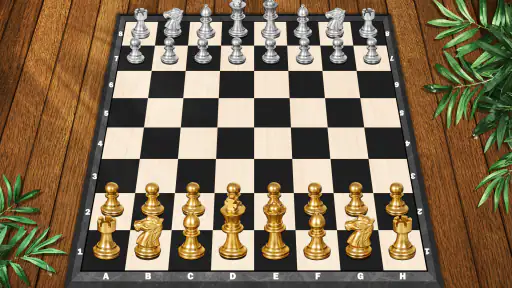
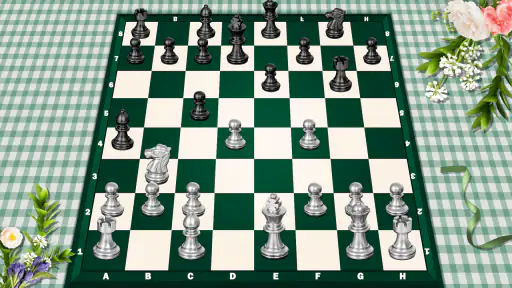
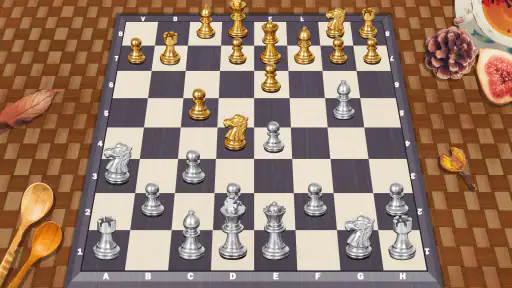
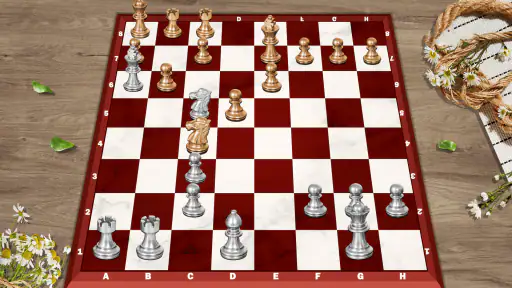
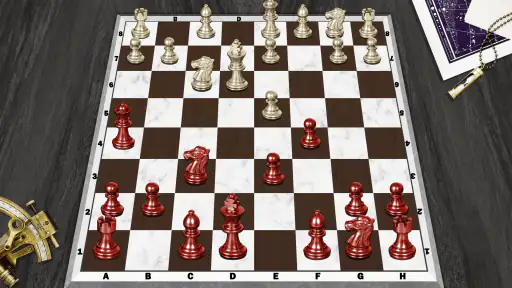
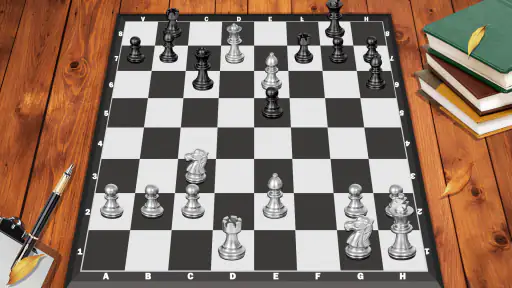
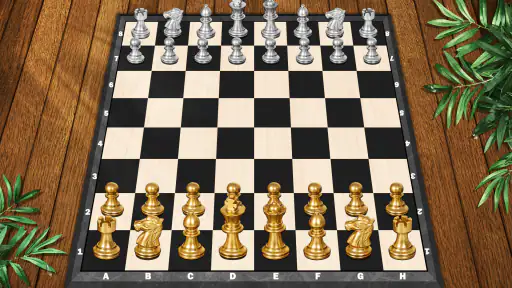
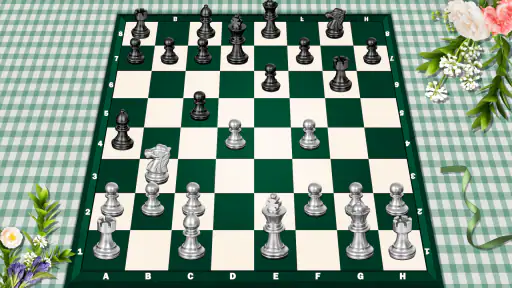
 Analysis by Frivlyz
I spent time with Chess - Classic Chess Offline as a straightforward board game rather than treating it like a full chess-learning platform. Its main appeal is simple: it gives me a familiar way to play chess when I want a quiet match, a little mental exercise, or a short break that feels more purposeful than scrolling. That focus makes it easy to understand, but it also means the experience is best judged by how comfortably it supports an actual game, not by how many extras it can place around the board.
Developed by People Lovin Games, this free chess game sits in the board-game category and is suitable for Everyone. It has reached over ten million installs and holds a 4.6 average from roughly thirty-nine thousand ratings, which suggests that its uncomplicated approach works for a broad audience. The app includes optional in-app purchases, with individual items ranging from $1.99 to $19.99, so I would approach it as a free starting point and check the purchase prompts carefully if I wanted to keep the experience completely cost-free.
Why the offline capability changes the experience
The capability that matters most here is the ability to play chess offline. That sounds modest, but it changes when and where the game is useful. I do not need to wait for a connection, find an opponent, or turn a short spare moment into an online session. I can open the board and begin a match in situations where a connected chess service would be inconvenient or unavailable.
In practical terms, this makes the app a good companion for travel, waiting rooms, commutes without reliable service, or evenings when I simply want to put the phone into a quieter mode. Offline play also removes the pressure of playing against a real person at a fixed pace. I can take a move, think for a while, and treat the game as a private exercise instead of a social contest.
That distinction is important. Online chess platforms are usually stronger choices for rated competition, live opponents, large communities, lessons, and detailed performance records. This app is more appealing when the board itself is the point. I can use it for a quick match without first deciding whether I want to log in, search for an opponent, or manage a conversation around the game.
The offline board is most valuable when convenience matters more than competition. It turns chess into something I can pick up on my own terms, although it cannot provide the variety and human unpredictability of a large online player pool.
How a typical session feels
My usual approach is to open the game with a specific purpose. Sometimes I want one relaxed match; sometimes I want to replay an opening idea in my head; and sometimes I just want to keep my attention occupied for ten minutes. A simple board game works well for all three because chess naturally divides time into small decisions. I can stop after a move or continue until the position becomes more involved.
Gaming Stories You May Enjoy

Dancing Road Turns Short Breaks Into a Test of Rhythm and Timing

Super Stylist Makes Every Outfit a Test of Taste and Patience

Dominoes on Your Terms: Who Should Play and Who Should Pass

Pokémon GO Makes the Familiar World Feel New

Chess.com Turns Rematches Into Rivalries, but Community Has Its Costs

Archery Battle 3D Review: Sharp Aiming, Unclear Feedback
The offline format is especially helpful for casual practice. If I am trying to stop making careless early moves, I can slow down and inspect the board before committing. I do not have to worry about a clock running while I am distracted by something around me. That makes the app approachable for a new player who is still learning how pieces interact and for an experienced player who wants a low-pressure warm-up.
There is also a useful psychological difference between playing privately and playing online. When I lose to a computer-controlled opponent or make a poor move in a solo session, the result feels like information rather than embarrassment. I am more willing to experiment, test a risky idea, or repeat a position. For someone returning to chess after a long break, that can make practice easier to maintain.
At the same time, offline play does not automatically make every session productive. It is easy to move pieces quickly without reviewing why a move was weak. I get more from the app when I pause after a mistake and reconstruct the position: what was attacked, what was undefended, and whether I overlooked a simple response? That habit turns a casual match into deliberate practice without requiring a separate lesson system.
A practical routine for improving without overcomplicating it
One routine I found useful is to divide a match into three checks. During the opening, I ask whether each move develops a piece or supports a clear plan. In the middle game, I look for loose pieces and forcing moves before choosing something attractive. Near the end, I slow down again and check every possible capture and threat. This is not a feature of the app; it is a way to use its quiet, offline format more intelligently.
Another good habit is to play shorter sessions with a single focus instead of trying to become better at everything at once. One day I might concentrate on protecting my queen. On another day, I might watch for back-rank weaknesses or avoid moving the same piece repeatedly in the opening. Because the app does not require an opponent’s schedule, I can repeat this kind of focused practice whenever I have time.
For beginners, I would keep a physical or mental note of the first major mistake in each game rather than judging the entire result. Losing a match can hide the moment when the position actually went wrong. Finding that moment is more useful than simply starting another game immediately. The app provides the board and the repetition; the learning comes from how carefully I review my decisions.
The best everyday scenario
The strongest use case for me is an offline break during a journey. Imagine sitting on a train with an unreliable signal and having fifteen minutes before arriving. An online game could be interrupted, while a video may require preparation or a connection. A chess match gives that time a clear shape: I can begin, think through several positions, and stop naturally when I reach my destination.
The same applies to a lunch break or a waiting period before an appointment. I would not choose this app if I needed a guaranteed five-minute game, because chess can become absorbing and a position may demand more attention than expected. But when I want an activity that can be paused mentally between moves, it fits better than many action games. It is calm without being passive.
It can also work for two people sharing one device, provided they are comfortable taking turns on the same screen. That kind of local use is less convenient than a physical board when both players have space for one, but it is useful when carrying a board is impractical. The phone keeps the pieces together and makes an impromptu game possible in a small space.
Families should find the Everyone rating reassuring, especially when introducing a child to the basic movement of chess. Still, the age label does not mean every child will understand the game immediately. A parent or older player may need to explain check, legal moves, and why a seemingly valuable capture can be a trap. The app can provide the setting for practice, but it does not replace patient instruction.
Where it fits among other chess choices
Compared with a physical chessboard, this game is more portable and less demanding to set up. I do not need to find a flat surface, recover a piece that has been knocked over, or remember where a match was left. The trade-off is that a phone screen can feel cramped, especially when I am studying a complicated position or playing with another person. A real board remains better for shared, face-to-face play and for learning to visualize pieces in three dimensions.
Compared with a general online chess service, the offline approach is less socially rich. Online alternatives are usually preferable when I want human opponents, public games, competitive ratings, clubs, or a stream of varied challenges. They can also make it easier to compare my play over time. I would not install this app expecting the same community experience. Its strength is that it avoids making a simple match depend on that community.
Compared with a dedicated chess-training application, this game is likely to feel more direct. Training-focused tools are better when I want structured lessons, tactical drills, opening courses, or detailed analysis after every move. Here, I would need to create my own learning structure. That is not necessarily a flaw, but it matters for expectations: the app is a playable board first, not a complete curriculum.
Compared with other casual board games, chess demands more concentration and rewards patience. That makes it a poor choice when I want instant action or a very light distraction. It is a better match for someone who enjoys planning, accepts that a game may expose mistakes, and wants a pastime that can remain interesting after repeated sessions.
Small choices that make offline play better
I recommend deciding before a match whether the goal is entertainment or practice. If I am playing for fun, I can move naturally and accept a messy game. If I am practicing, I should slow down at critical positions and avoid undoing a mistake mentally by restarting too quickly. Keeping those goals separate prevents the app from feeling either too serious or too shallow.
I also prefer using a quiet environment for difficult positions. Since offline play does not require constant communication, it is tempting to open a game while multitasking. That works for a casual match, but it weakens the value of practice. If I am trying to improve calculation, even a few uninterrupted minutes are more useful than a longer session filled with distractions.
A further trade-off is the absence of human unpredictability. A person may choose an awkward move, create emotional pressure, or find a resource I did not expect. Solo play is more controlled, which is excellent for repetition but less effective for preparing me for the variety of real opponents. I would use offline matches to build habits, then occasionally move to online play or a face-to-face board when I wanted a tougher test.
What to know about the free model
The game is free to download, making it easy to try without committing money at the start. Optional purchases are listed between $1.99 and $19.99 per item. I would treat that as a reason to stay attentive around any in-game offers, particularly if a child is using the device. The free entry point is attractive, but “free” does not mean every possible enhancement or item is included without charge.
The current version is 3.1, and the game runs on Android 7.0 or later. That gives it a relatively broad compatibility range for Android users with older devices. I would still check the device’s available storage and system settings before installing any game, but the minimum operating-system requirement should not exclude many people using a reasonably maintained Android phone.
The release date was April 28, 2021, so this is not a brand-new arrival. In my view, that is less important for a classic board game than it would be for a constantly changing multiplayer title. Chess does not need seasonal content to remain recognizable. What matters more is whether the basic board experience suits the way I intend to play it.
Who gets the most from it
This is a strong fit for a beginner who wants a simple place to play without immediately entering a competitive online environment. It also suits casual players who already know the rules and want an offline option for travel or quiet breaks. Someone returning to chess after years away may appreciate being able to rebuild confidence privately, one match at a time.
I would also recommend it to players who value control over their schedule. The offline format means I can begin without waiting for a pairing and stop without inconveniencing an opponent. That flexibility is more meaningful than it first appears for people with irregular routines, limited connectivity, or little interest in public profiles and rankings.
On the other hand, I would point a serious tournament-minded player toward a more specialized chess service. If your priority is deep analysis, organized competition, a large human community, or measurable long-term progress, a basic offline game will probably feel limited. The same is true if you need guided lessons rather than a board on which to practice independently.
Players who dislike thinking through slow positions should skip it as well. Chess remains chess, even when the app is convenient. The offline capability removes connection problems, not the need for patience. It can make a match easier to start, but it cannot make every position exciting for someone who prefers fast, reactive gameplay.
My final take after using it
I see Chess - Classic Chess Offline as a focused, practical board game. Its biggest success is not trying to turn every match into a social event. I can open it when I have no signal, play at my own pace, and use the quiet format either for relaxation or for a small, self-directed improvement goal.
The limitations are equally clear. It is not the right replacement for a physical board when face-to-face interaction matters, and it is not the best replacement for a full online chess community or a structured training tool. Players should also remember that optional purchases exist despite the free download.
For me, the deciding question is simple: do I want a convenient offline chessboard or a complete chess ecosystem? If the first answer is yes, this game is easy to recommend. Its 4.6 average from around thirty-nine thousand ratings and more than ten million installs show that the uncomplicated idea has broad appeal, but my recommendation is based on the everyday value I found in being able to play privately, pause freely, and return to the board whenever a spare moment appears.
Chess - Classic Chess Offline Pros and Cons
Pros
- Works without an internet connection for convenient offline play.
- Includes multiple difficulty levels for beginners and experienced players.
- Simple interface makes it easy to start a game quickly.
- Useful for practicing tactics and improving strategic thinking.
- Usually lightweight and suitable for older Android and iOS devices.
Cons
- Limited variety compared with chess platforms offering puzzles and tournaments.
- Offline play lacks live matches against a large online community.
- Computer opponents may feel predictable after extended play.
- Ads or in-app purchases may interrupt the otherwise simple experience.
- No physical chessboard option for players seeking a more traditional setup.
Frequently Asked Questions
Can Chess - Classic Chess Offline be played without an internet connection?
Yes, the game is designed for offline chess sessions, so you can play without Wi-Fi or mobile data. This makes it useful for travel, commuting, or places with a weak signal. Offline play generally focuses on matches against the computer, while features such as online multiplayer, advertisements, updates, or other connected services may require an internet connection.
Does Chess - Classic Chess Offline include different difficulty levels?
The game offers computer opponents with adjustable difficulty, allowing beginners to learn gradually and experienced players to look for a stronger challenge. New players can start with easier settings to practice piece movement and basic tactics, then increase the level as their confidence improves. The exact strength of the highest level can vary by device and game version.
Is Chess - Classic Chess Offline suitable for beginners?
Yes. It is a practical choice for beginners because it provides a straightforward chessboard and familiar controls without requiring an online account or a live opponent. Players can practice opening principles, capture patterns, checkmate ideas, and endgames at their own pace. However, users looking for extensive lessons, puzzles, or detailed coaching should check which learning tools are included.
Can two people play Chess - Classic Chess Offline on the same device?
Many classic chess applications include a local two-player mode, allowing two people to take turns on one phone or tablet. This is convenient for casual games when no internet connection is available. Before downloading, check the current store description or in-app menu, because supported modes can differ between versions and some editions may focus mainly on playing against the computer.
Does Chess - Classic Chess Offline contain ads or require in-app purchases?
The game may use advertising or optional purchases to support development, depending on the version available for Android or iOS. Ads can appear between games or in menus, while paid options may remove advertising or unlock additional features. Review the store listing and permission information before installing, especially if you prefer a completely uninterrupted experience or want to avoid unexpected charges.


