

Bluey: Let's Play!
- Reviews
- 4.2
- Version
- 2025.4.1
- Installs
- 10,000,000+

Screenshots


 Analysis by Frivlyz
Bluey: Let's Play! is an engaging and delightful app designed to captivate the imagination of both children and adults alike. Based on the wildly popular Australian animated series, this app brings all the joy and creativity of Bluey and her family right to your fingertips. But what makes this app a must-have for fans of the show? Let's dive in and explore the whimsical world of Bluey!
Who will enjoy playing together?
I’d put this casual game in the hands of a child who already enjoys Bluey and likes making up stories more than chasing scores. The familiar family gives young players an easy way into pretend play, while a parent or older sibling can join in without needing to learn complicated controls. It is aimed at everyone, but its clearest audience is families looking for a gentle, character-led activity rather than a demanding challenge.
A realistic use is a short stretch of waiting at home: a child can choose an activity, play for a while, then tell you what they imagined was happening. I find that works better when an adult treats the screen as a prompt for conversation, not as a substitute for company. Ask the child to explain a choice or invent what happens next, and the play can continue away from the device.
There is a useful trade-off here. The Bluey setting makes the experience immediately inviting to fans, but that same focus may not appeal to a child who does not know the characters. If your child prefers open-ended building, a large collection of unrelated puzzles, or a clear progression system with goals to complete, a different kind of game may hold attention longer.
Interactive Fun for the Whole Family
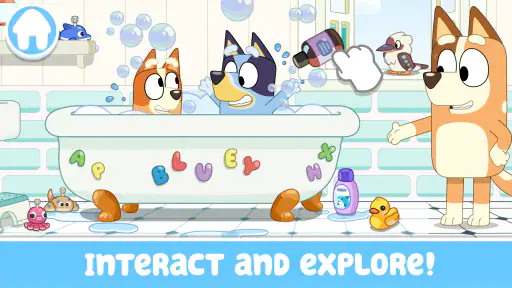
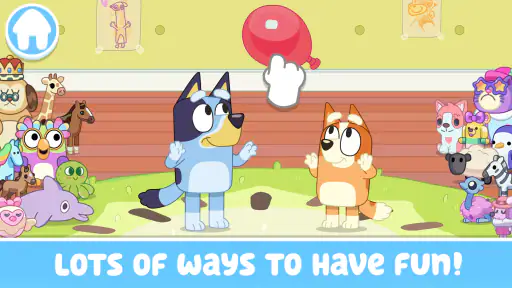
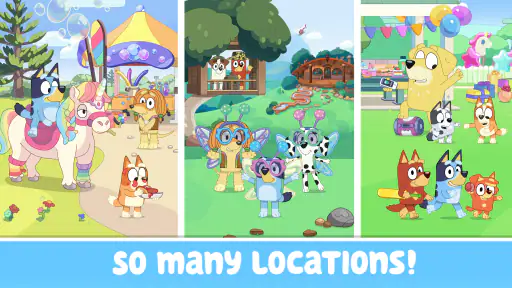
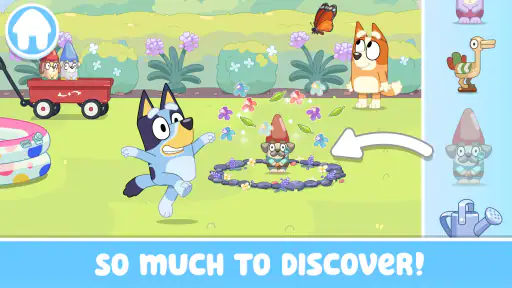
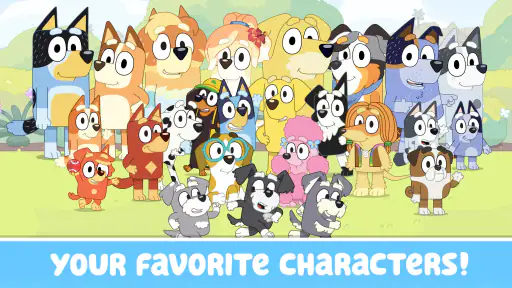
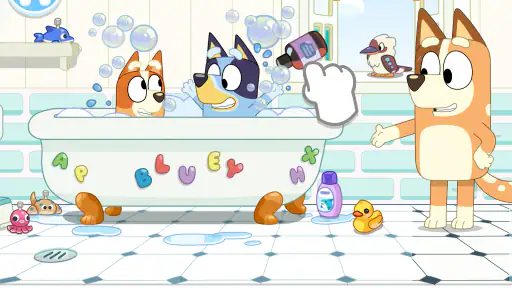
From the moment you open Bluey: Let's Play!, you're greeted by a vibrant interface filled with colors and familiar characters. The app is designed to be intuitive, making it easy for even the youngest users to navigate. The interactive elements are a standout feature, allowing children to engage with Bluey, Bingo, Bandit, and Chilli in various mini-games and activities. It's like having a play date with your favorite animated family!
Start with a choice, not a checklist
The useful way to approach the game is to let a child pick an activity based on their mood, rather than presenting it as a set of tasks to finish. That keeps the experience close to imaginative play: the child is choosing what to do, not working through a demanding sequence. For a first visit, I’d stay nearby and let them explore at their own pace; once they recognize the layout, they can make more of those choices independently.
Compared with many casual games built around matching, timers, or repeated levels, this one leans on familiar characters and imaginative scenarios. That makes it a better fit for shared make-believe than for a child who wants a measurable score or a competitive challenge. It also means the adult’s role can be more conversational: you can ask what the characters are doing instead of coaching a strategy.
Gaming Stories You May Enjoy

Dancing Road Turns Short Breaks Into a Test of Rhythm and Timing

Super Stylist Makes Every Outfit a Test of Taste and Patience

Dominoes on Your Terms: Who Should Play and Who Should Pass

Pokémon GO Makes the Familiar World Feel New

Chess.com Turns Rematches Into Rivalries, but Community Has Its Costs

Archery Battle 3D Review: Sharp Aiming, Unclear Feedback
Endless Adventures Await
The heart of Bluey: Let's Play! is its array of mini-games that encourage creativity and problem-solving. Whether it's helping Bluey and Bingo set up a backyard obstacle course or joining them on a treasure hunt, each game is crafted to stimulate young minds while keeping them entertained. The games are not only fun but also educational, subtly teaching kids about teamwork, empathy, and the wonders of imagination.
One of my personal favorites is the "Magic Xylophone" game, where players can create their own tunes and watch the magic unfold. It's a delightful way to introduce kids to music, and the app's responsive design ensures that each note is played with precision.
How the play loop holds attention
The action is simple to understand: choose an activity, interact with its characters or objects, and see how the scene responds. That immediate feedback is a real strength for younger players, because an experiment can feel meaningful even when there is no score to chase. In the xylophone activity, for instance, tapping notes gives a child a direct cause-and-effect result; the fun comes from trying combinations, not from being told there is one correct tune.
That style also shapes the reward. A satisfying moment is often a funny reaction, a changed scene, or a small bit of make-believe the child has created. It is gentler than the badges, streaks, and level ladders common in other mobile games, which is welcome if you want a relaxed break. The flip side is that children who need explicit targets may ask, “What do I do next?” rather than naturally inventing a new variation.
To keep a session fresh, I’d invite the child to switch roles or make a story rule: perhaps one person chooses the activity while the other narrates what the family is doing. This adds a new reason to return to a familiar scene without pretending the game has a hidden progression system. It is a practical way to extend shared play while keeping the screen time purposeful.
Educational and Entertaining
While the app is bursting with fun, it also serves as an educational tool. Parents will appreciate the subtle lessons woven into each activity. For instance, the "Shadowlands" game challenges kids to think critically and plan ahead, fostering cognitive development in a playful setting. It's these thoughtful touches that make Bluey: Let's Play! more than just a game—it’s a learning experience.
Moreover, the app encourages family participation. Many of the games are designed to be enjoyed together, offering a fantastic opportunity for co-play. It's a wonderful way for parents to bond with their children while exploring the enchanting world of Bluey.
Practical choices for parents
If you are deciding whether it suits your household, consider the kind of play your child enjoys. A Bluey fan who likes role-play is likely to get more from it than a child who mainly wants fast reactions or a difficult puzzle. I’d also set expectations before handing over the device: this is a casual play option, not something I’d choose when the goal is a structured lesson or a long, increasingly challenging campaign.
The game is free to download, and optional in-app purchases range from $2.99 to $6.99 per item. I would make the purchase decision with the child’s usual play habits in mind rather than treating every activity as something that must be unlocked. For a shared first try, a parent can explore what is available and decide whether spending anything makes sense for their family. The game is rated for everyone, but that rating does not replace the usual supervision and household rules around device use.
On Android, it requires version 5.1 or later. It was released on August 13, 2023, and its current version is 2025.4.1. Those details are useful when checking whether an older device can run it, especially if the phone or tablet is mainly used by a child. Budge Studios is the developer, and the game has an average rating of 4.2 from around 123,000 ratings, with more than 10 million installs. Those figures suggest it has reached a broad audience, though they cannot tell you whether its relaxed style will match one particular child.
A gentle session, with a natural stopping point
This is not the sort of game I’d pick for a high-energy challenge or a competition between siblings. Its strength is that it can support a small burst of pretend play without asking a child to master a complicated system. A parent can help the child choose an activity, join in for a few minutes, and then use the story as a bridge back to drawing, toys, or another offline activity. That transition is especially useful when the goal is to fill a brief pause rather than start a long gaming session.
There is no need to turn every return into a push for progress. A child can come back because they want to revisit a character or try a different idea, which feels more like reopening a toy box than continuing a campaign. If your household prefers games with clear endings, timed rounds, or a strong sense of achievement, this softer rhythm may feel too loose; another casual puzzle game could be a better fit.
A Visual and Auditory Delight
The app stays true to the aesthetic of the Bluey series, with stunning animations and a soundtrack that captures the essence of the show. The characters are lovingly rendered, and the attention to detail is evident in every scene. The music is cheerful and perfectly complements the playful atmosphere, making every moment spent on the app a joyous one.
For me, the presentation matters because it helps the activities feel connected to the same playful world, rather than like unrelated mini-games collected in one place. That can make a child more willing to explore a scene slowly and notice what happens when they interact with it. I would still keep the volume and setting appropriate to the moment: cheerful audio can be welcome at home, but may be less suited to a quiet waiting room.
One sensible way to end a session is to ask the child to choose a final activity and then describe their favorite moment. It gives the play a stopping point without relying on a sudden cutoff, and it can turn a quick screen break into a small shared story. This approach is particularly handy when a child is absorbed in character play and needs a clear cue that it is time to move on.
Overall, Bluey: Let's Play! is an app that promises endless fun and learning for kids, while also providing adults with a nostalgic trip back to the simple joys of childhood. It's a brilliant blend of entertainment and education, wrapped up in a beautifully designed package. Whether you're a die-hard Bluey fan or just looking for a new way to entertain and educate your kids, this app is a must-try. So why wait? Dive into the world of Bluey today and let the adventures begin!
My verdict on the play loop
I’d recommend it most to families who want character-based pretend play that is easy to share and does not depend on winning. The loop of choosing, trying, seeing a response, and inventing what happens next gives young Bluey fans a reason to return, while keeping the mood light. I would skip it for a child who needs tougher goals, a clear campaign, or a broader variety of game styles. For the right family, though, it is a pleasant way to turn a few spare minutes into imaginative play together.
Bluey: Let's Play! Pros and Cons
Pros
- Engaging and interactive gameplay.
- Stunning graphics and animations.
- Educational content for kids.
- Easy to navigate interface.
- Regular updates with new features.
Cons
- Limited free content available.
- In-app purchases can be pricey.
- Requires internet for full features.
- May have occasional bugs.
- Not suitable for older kids.
Frequently Asked Questions
What is the main objective of Bluey: Let's Play! game?
Bluey: Let's Play! is designed to offer children an engaging and interactive experience, based on the popular TV show "Bluey." The main objective of the game is to allow young players to explore various mini-games and activities that promote creativity, problem-solving, and teamwork. Through these activities, children can interact with their favorite characters, enhancing their imaginative play skills.
Is Bluey: Let's Play! suitable for all age groups?
Bluey: Let's Play! is primarily targeted towards preschoolers and young children, typically ages 3 to 6. The game is designed with simple controls and activities that are age-appropriate for this group. Parents can feel confident that the content is safe and educational, fostering a positive learning environment for young players.
What platforms is Bluey: Let's Play! available on?
The game Bluey: Let's Play! is available on both Android and iOS platforms. This ensures that families with different devices can access the game easily. Users can download it from the Google Play Store for Android devices and the Apple App Store for iOS devices, making it widely accessible for most smartphone and tablet users.
Are there any in-app purchases in Bluey: Let's Play!?
Yes, Bluey: Let's Play! includes optional in-app purchases. While the game is free to download and offers a variety of activities at no cost, it provides opportunities to buy additional content or features. Parents are advised to manage in-app purchases through their device settings to prevent unauthorized spending by children.
Does Bluey: Let's Play! require an internet connection to play?
Bluey: Let's Play! can be enjoyed both online and offline. While an internet connection is required for initial download and for accessing certain features or updates, the core gameplay and most activities can be accessed offline. This makes it a convenient option for entertainment during travel or in areas with limited connectivity.


