

Bebi: Baby Games for 2-4y kids
- Reviews
- 4.4
- Version
- 10.09.14
- Installs
- 10,000,000+

Screenshots
 Analysis by Frivlyz
When a toddler wants a game right now, I’d rather hand them something that invites matching, sorting, and noticing than another stream of clips. Bebi: Baby Games for 2-4y kids is an educational game aimed at preschoolers, and its mix of bright visuals and simple activities makes it an easy starting point for short, parent-supervised play. I see it as a small tool for filling a pause in the day, not a replacement for talking, reading, or hands-on play.
How the game fits into a toddler’s day
In its current form, Bebi is a free game from Bebi Family: preschool learning games for kids. It is rated Everyone, has an average rating of 4.4 from around 229,000 ratings, and has passed over 10 million installs. Those figures suggest that many families have tried it, but they do not tell me whether a particular child will enjoy its activities; toddlers differ a lot in what they find appealing and how long they want to stay with a screen.
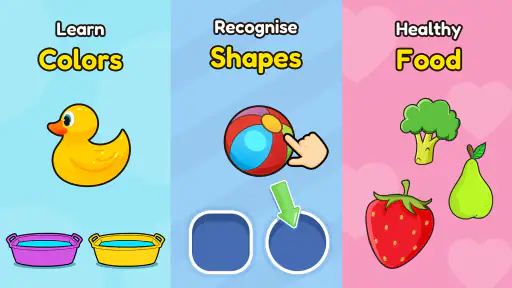
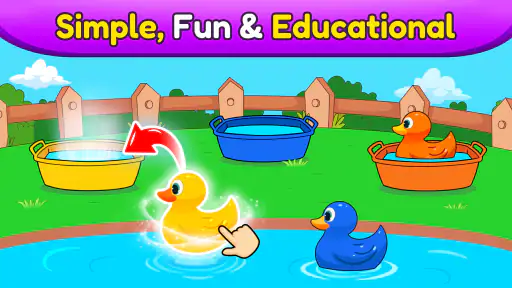
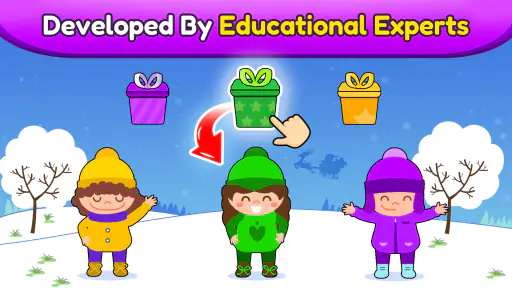
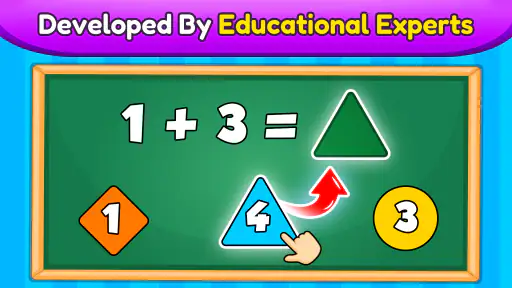
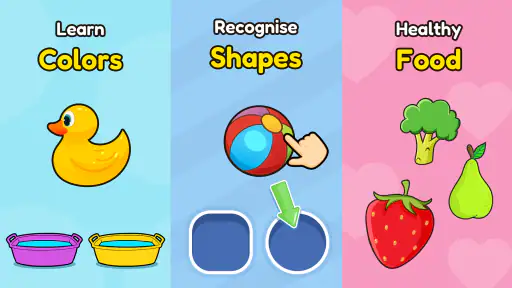
The game’s appeal is its preschool focus: activities built around familiar early-learning ideas such as colors, shapes, puzzles, and the alphabet. The store summary also calls out an ad-free experience, which matters when a young child is tapping without being able to distinguish a game button from a promotion. I would still sit nearby, especially at first, but removing that particular distraction makes the app feel more suitable for a brief independent turn than many free games aimed at children.
I find the best way to introduce it is to treat each activity as a prompt for conversation. If a child is matching shapes, ask them to find the same shape on a toy or picture book after the round. If letters catch their attention, say the letter together rather than turning the session into a test. That small shift helps a screen activity lead back into the room, instead of becoming the whole activity.
What’s established, and what that means for returning families
The game was released on July 17, 2019, and its current version is 10.09.14. That gives parents a useful point of reference: this is an established app with a current version number, rather than a newly launched experiment. I wouldn’t read a version number alone as proof that a particular activity has changed, though. Without a clear change history to point to, it is better to judge the version you can actually open and see how it behaves on your device.
For a family that already has it installed, the practical question is whether the child still enjoys the activities and whether the app remains comfortable to use. A version change may matter for compatibility or maintenance, but I would not promise that it adds new games or changes the learning approach. If an update is available, I’d check that the app still opens as expected before handing over the device, rather than assuming every update will feel different to a child.
There is also a useful distinction between the free download and the full cost of continued use: the game includes in-app purchases ranging from $1.49 to $129.99 per item. That wide span is a good reason to review purchase settings before a toddler uses the device. Ad-free does not automatically mean every part of an app is free, so I’d make sure accidental purchases are protected and explain to older preschoolers that asking a grown-up comes before tapping a purchase prompt.
Gaming Stories You May Enjoy

Dancing Road Turns Short Breaks Into a Test of Rhythm and Timing

Super Stylist Makes Every Outfit a Test of Taste and Patience

Dominoes on Your Terms: Who Should Play and Who Should Pass

Pokémon GO Makes the Familiar World Feel New

Chess.com Turns Rematches Into Rivalries, but Community Has Its Costs

Archery Battle 3D Review: Sharp Aiming, Unclear Feedback
Choosing the right moment and setting expectations
A realistic use case is the ten minutes while dinner is finishing and a child is waiting at the kitchen table. I’d choose one activity, keep the device where I can see it, and join in for the first few turns. When the child loses interest, I’d stop rather than coax them into completing a session. That keeps the game a convenient option for a short lull, not a bargaining chip that has to be used every day.
Compared with a general video app, Bebi gives a child something to respond to rather than simply watch. Compared with a physical puzzle or a parent-led alphabet game, it is quicker to set up and does not require an adult to prepare materials, but it cannot offer the same shared handling, movement, or back-and-forth conversation. I’d pick a real puzzle when there is time to sit together, and use the app when a compact digital activity is genuinely more practical.
It will suit caregivers looking for simple preschool-themed screen activities, particularly when a child enjoys colorful, touch-based play and can manage basic taps. It may be a poor fit for a child who becomes upset when screen time ends, or for a family trying to avoid screens altogether. It is also not the choice I’d make when the goal is a structured lesson with detailed progress tracking; the value here is casual practice, not a formal teaching plan.
One helpful habit is to rotate the app with offline activities rather than leaving it as the default whenever a child is bored. After a color or shape game, invite the child to spot that color in the room, sort a few blocks, or draw a simple shape. This makes it easier to tell whether the activity has sparked curiosity, and it gives the child a natural ending point. If they simply want to keep tapping, a clear transition—“one more round, then we put the tablet away”—can be more useful than relying on the game to manage the boundary for you.
Parents may also wonder whether it works for a child who is not yet reading. Its intended audience is preschool-aged, so I would introduce it by watching what the child can understand from the screen and joining in with spoken prompts where useful. A child who needs every step explained may need an adult beside them; a child who already navigates touchscreens confidently may be able to explore more independently. Either way, I would check that the device itself is set up so the child cannot wander into unrelated apps or make purchases.
What I’d keep in mind before installing
The game is free to download and runs on Android devices using Android 6.0 or later. Its Everyone content rating is reassuring as a basic age classification, but it is not a personal suitability guarantee: a parent still knows best whether a particular activity, device, and screen routine work for their child. The broad in-app purchase range also means it is worth checking the purchase controls before play, even when the experience is described as ad-free.
One trade-off with a collection of quick activities is that a child may move from one to another without spending much time on any single idea. I’d use that as a cue to slow the play down: ask what they see, let them name a color, or connect a puzzle choice to an object nearby. If the child is frustrated by a task, I would help once and then switch or stop; repeated guessing is not the same as learning, especially when the goal is a relaxed preschool activity.
Another practical point is that the adult’s role does not disappear just because the interface is designed for little hands. Before the first solo turn, I’d open the game myself, look at the activities available, and see whether the child can return to the intended play area without help. That quick check can prevent a promising five-minute break from turning into a search through menus. It also lets me decide in advance whether the child should use the device offline or with other apps locked down.
I would watch for three things over time: whether the child can start and stop without a struggle, whether the activities still hold interest after the novelty wears off, and whether the purchase controls stay secure after updates. These are more useful signs of a good fit than simply counting minutes played. If the game keeps prompting curiosity and transitions remain calm, it can earn a place in a varied routine; if it creates arguments or crowds out play, there is no reason to keep it in rotation.
My take for families considering it
I remember the first time I opened Bebi: Baby Games for 2-4y kids, and I was greeted with a burst of colors and cheerful sounds. The app's design is super intuitive, which is crucial when you're dealing with the tiny hands of a toddler. The interface is simple enough for your kiddo to navigate, yet packed with a variety of games that are both engaging and educational.
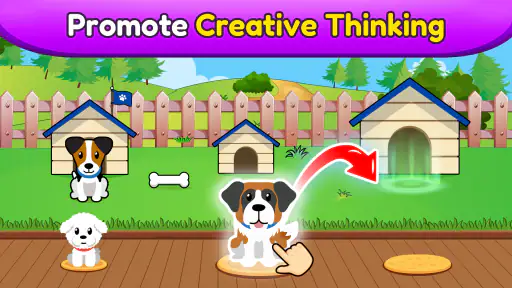
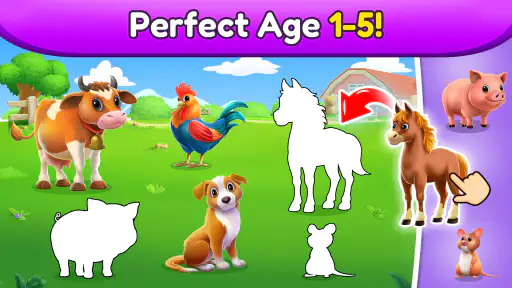
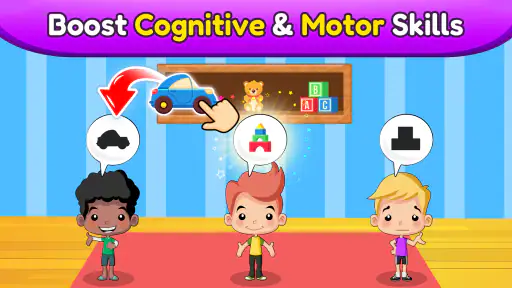
The games range from puzzles to memory games, all crafted to help enhance your child's cognitive and motor skills. I noticed my niece picking up new words and concepts after just a few sessions. It's like sneaking vegetables into their meals—they're having fun and learning without even realizing it!
Why Your Toddler Will Love It
One of the standout features of this app is its ability to hold a child's attention. We know how fleeting a toddler's attention span can be, but these games are designed to be short and sweet, keeping the little ones engaged without overwhelming them. Plus, the adorable characters and animations are sure to bring a smile to their faces.
Another thing I love is that Bebi offers a safe environment. It's ad-free, so you won't have to worry about your child accidentally clicking on something they shouldn't. Peace of mind is priceless when it comes to children's apps.
The Parent-Friendly Aspect
Now, let's be real for a second. As much as we love our kids, we sometimes need a break. This app is perfect for those moments when you need to make dinner or have a quick chat with a friend, knowing that your child is entertained and learning.
Downloading the app is a breeze, and it's available on both Android and iOS. The best part? There are frequent updates that keep the content fresh, so your little one won't get bored. It's like having a new toy every few weeks!
So, if you're on the lookout for an app that combines fun, learning, and safety, give Bebi: Baby Games for 2-4y kids a try. It's a win-win for both you and your toddler. Happy parenting!
Bebi: Baby Games for 2-4y kids Pros and Cons
Pros
- Engaging and colorful graphics for kids
- Simple interface easy for toddlers
- Wide variety of educational games
- Supports motor skills development
- Ad-free experience for children
Cons
- Limited content for older kids
- Requires internet for updates
- In-app purchases for more features
- No offline mode available
- Some games are repetitive
This Game in Other Languages
Frequently Asked Questions
What is Bebi: Baby Games for 2-4y kids?
Bebi: Baby Games for 2-4y kids is an educational mobile application designed to engage young children with fun and interactive games. It focuses on early learning and development by offering a variety of activities that help build cognitive skills, improve hand-eye coordination, and encourage creativity. The app is designed for toddlers aged 2 to 4 years, making learning both enjoyable and effective for young minds.
Is Bebi: Baby Games safe for my child to use?
Yes, Bebi: Baby Games is designed with children's safety in mind. The app is free from harmful content and does not contain any inappropriate advertisements. Additionally, it ensures a child-friendly user interface that is easy to navigate. Parents can feel comfortable knowing their child is engaging with content that is both educational and secure.
What types of games and activities are available in Bebi: Baby Games?
Bebi: Baby Games offers a wide range of activities tailored to young children's developmental needs. These include puzzles, matching games, and interactive coloring activities. Each game is crafted to enhance specific skills such as memory, recognition, and fine motor skills. The activities are designed to be both engaging and educational, making learning a delightful experience for toddlers.
Does Bebi: Baby Games require an internet connection?
Bebi: Baby Games can be played offline, which is ideal for parents who want their children to enjoy the app without needing a constant internet connection. This feature allows for uninterrupted play, whether at home or on the go. However, an internet connection might be required for downloading updates or accessing additional content.
Are there any in-app purchases in Bebi: Baby Games?
Bebi: Baby Games does offer in-app purchases to unlock additional content and features. While the basic version provides plenty of free activities, parents have the option to purchase extra games and features to further enhance their child's learning experience. These purchases are optional, and the app remains highly functional without them.


