

Baby Piano: Kids Music Games
- Reviews
- 4.1
- Version
- 3.14
- Installs
- 5,000,000+

Screenshots
 Analysis by Frivlyz
When a toddler wants to tap, listen, and explore, a simple music game can be easier to manage than a full lesson or a video made for older children. I see Baby Piano: Kids Music Games as a playful first step: it gives little hands a chance to make sounds and lets parents turn a short wait or quiet moment into a small musical activity. Its focus is broad rather than instructional, so it suits curious beginners better than children looking for structured piano practice.
Where families may get stuck
The first challenge with any toddler app is not necessarily the activity itself; it is getting from opening the game to a child-friendly moment without handing over the phone and hoping for the best. Young children may tap quickly, switch between choices, or lose interest when an adult pauses to explain. I would start beside the child, show one simple action, and let them take over rather than trying to teach several things at once.
It also helps to set expectations about what “learning music” means here. A child can explore sounds and songs, but that is different from learning note names, reading music, or following a progressive piano course. If your goal is a first encounter with musical cause and effect, the format makes sense. If you want lessons with a clear sequence and measurable practice goals, you will probably want a dedicated teaching app or an instrument with adult guidance.
Setup checks before handing over the device
The game is free to start, with optional in-app purchases listed from $1.99 to $6.99 per item. I would check the purchase settings on the device before a toddler plays independently, especially if the device is shared. This is a practical precaution for any child-facing game with paid items, not a claim about a particular screen or purchase flow.
Compatibility is worth checking before installing: the current version is 3.14 and requires Android 5.1 or later. The game is rated Everyone, and Bimi Boo Kids Learning Games for Toddlers FZ-LLC is the developer. These details make it easier to decide whether it fits an older family device, but they do not replace checking the device’s available storage or whether it can install the app normally.
For a smoother first session, I would open the game myself, make sure the sound is at a comfortable level, and test that taps register where expected. Then I would hand the device over with one invitation, such as “Can you find a sound you like?” That small routine avoids turning setup into a long explanation and gives the child room to explore.
A useful rhythm for short play sessions
A realistic use case is a few minutes at home while dinner is being prepared or during a quiet stretch before leaving the house. I would treat the piano as the starting point: let the child try a few keys, then move to a song or animal sounds if attention shifts. This creates variety without requiring a parent to invent a new activity every minute.
Gaming Stories You May Enjoy

Dancing Road Turns Short Breaks Into a Test of Rhythm and Timing

Super Stylist Makes Every Outfit a Test of Taste and Patience

Dominoes on Your Terms: Who Should Play and Who Should Pass

Pokémon GO Makes the Familiar World Feel New

Chess.com Turns Rematches Into Rivalries, but Community Has Its Costs

Archery Battle 3D Review: Sharp Aiming, Unclear Feedback
One useful approach is to follow the child’s interest rather than insist on finishing a particular activity. If they keep returning to the same sound, echo it with your voice or ask them to tap it again. If they move on, let that be the end of that turn. The value is in playful listening and experimentation, not in completing a checklist.
There is also a trade-off in how much freedom to allow. Independent tapping can be satisfying, but a toddler may touch controls accidentally or move away from what you intended to show. Sitting together for the first few sessions gives you a chance to learn how the child responds and to keep the phone or tablet from becoming an unsupervised background distraction.
Music and Fun All Rolled Into One
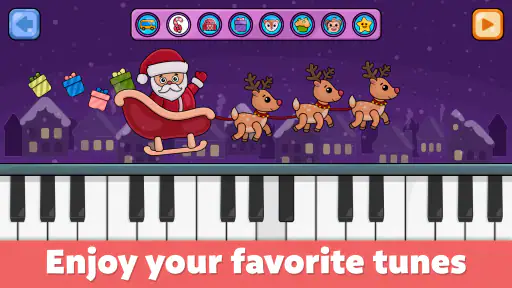
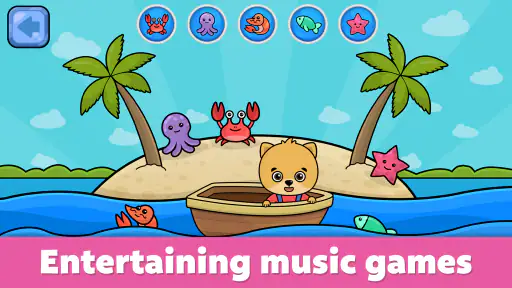
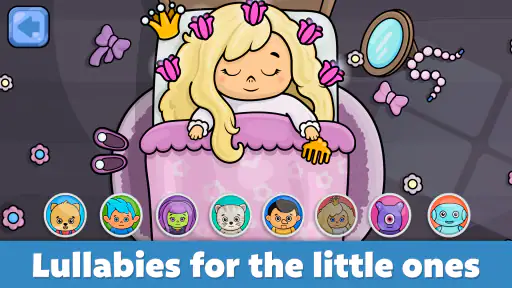
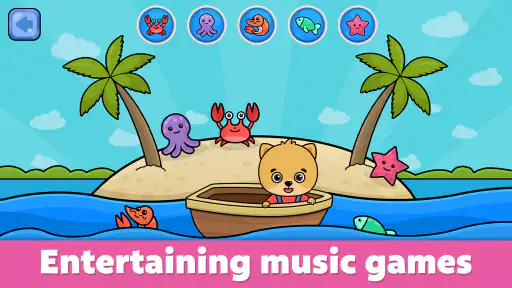
When I first opened Baby Piano: Kids Music Games, I was greeted with a colorful interface that immediately caught my child's attention. The app offers a variety of mini-games that are designed to develop musical skills while keeping things light-hearted and fun. From tapping on piano keys to playing along with pre-loaded songs, it's a musical playground for the little ones.
Engaging Features
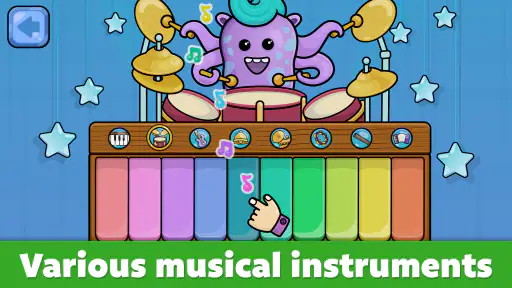
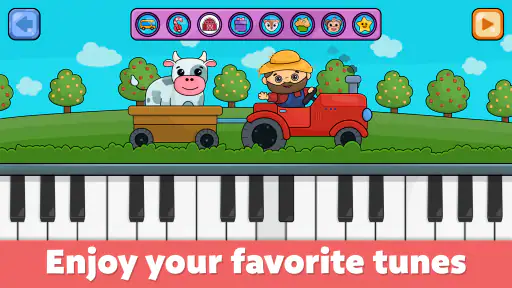
The app is packed with features that make learning music a breeze. One of the standout features is the virtual piano, where kids can tap on colorful keys to create their own tunes. It's a great way for them to experiment with sound and learn the basics of music. Plus, the app includes a range of songs across different genres, so there's something for every budding musician.
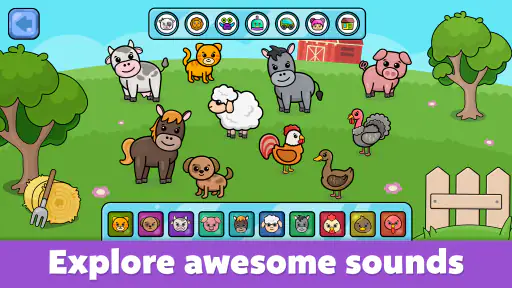
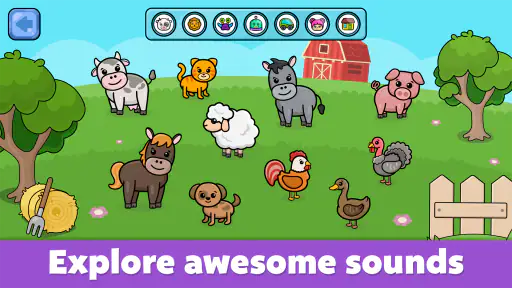
Another feature that I found particularly impressive is the animal sounds section. It adds an extra layer of fun by allowing kids to associate different sounds with various animals. It's not just about music; it's about stimulating their imagination and creativity too.
Choosing it over other music apps
Compared with a simple piano app, this game offers more than keys to tap: songs and animal sounds give a toddler different ways to engage when free play starts to feel repetitive. Compared with nursery-rhyme videos, it invites the child to make choices and sounds rather than only watch. That interaction is its strongest reason to try it, though a straightforward instrument app may be better for a child who wants an uncluttered keyboard, while a music-learning course is a better fit for anyone ready for guided lessons.
The game has an average rating of 4.1 from around 20,000 ratings, and it has been installed over five million times. Those figures suggest it has reached many families, but they cannot tell you whether its visual style or sound mix will suit your child. I would use a short first session as the real test: does the child enjoy exploring, and can you comfortably guide the activity?
Why It Stands Out
What sets this app apart from other kids’ music apps is its user-friendly design. It's intuitive enough for kids to navigate without needing constant supervision. The bright visuals and cheerful sounds are not only attractive to children but also help in retaining their attention.
Moreover, the app is designed to be ad-free, which means no unwanted interruptions during playtime. As a parent, this is a huge relief because it ensures that my child’s screen time is safe and distraction-free.
When troubleshooting means looking beyond the game
If a child does not hear anything, seems unable to interact, or loses interest immediately, I would avoid assuming that the game itself is at fault. First check the device’s volume and whether its sound is routed somewhere unexpected, then close and reopen the app if it appears unresponsive. If installation is the problem, confirm that the device meets the Android requirement and has room for another app.
For a child who taps outside the intended activity, simplify the session: hold the device together, demonstrate one action, and let them imitate you. If the game works but the child is restless, a screen-free alternative such as singing together or using a real toy instrument may be the better choice in that moment. A music game can support a routine, but it cannot guarantee that every child will want to play every time.
Parents may also wonder whether it is suitable for a very young beginner. Its Everyone age rating and toddler-focused presentation make it approachable, but an adult should still decide when and how long the child uses a device. For a child who already follows lessons or wants to practise particular songs, the playful format may feel too open-ended; for an older learner, a structured music app is likely more useful.
Room for Improvement
While the app is fantastic, there's always room for improvement. It would be great to see more song options added to the library for variety. Additionally, incorporating a feature that allows kids to record their musical creations could add a new dimension to the learning experience.
The broad, playful approach is also a limitation for families who want clear progression. A child can explore, but parents looking for a lesson plan may need to supply that structure themselves or choose a different tool. I would not treat a few minutes of tapping as a substitute for music instruction; I would treat it as an invitation to listen, imitate, and enjoy making sounds together.
Baby Piano: Kids Music Games was released on August 5, 2015, and its current version is 3.14. Its long-running presence and large install base make it a familiar option in toddler music games, but the practical decision is still about fit: whether your child enjoys simple musical exploration and whether you are comfortable managing a phone or tablet session.
In conclusion, Baby Piano: Kids Music Games is a delightful app that introduces children to the basics of music in a playful setting. It's engaging, educational, and most importantly, it keeps kids entertained while learning. If you're looking for an app that combines fun with learning, this one's definitely worth a download!
Baby Piano: Kids Music Games Pros and Cons
Pros
- Engaging and colorful interface for kids
- Variety of musical instruments to explore
- Fun and educational for early learning
- Easy navigation for young children
- Encourages creativity and musical interest
Cons
- In-app purchases can be frequent
- Limited free content available
- Might require parental supervision
- Ads can disrupt the experience
- Some features need internet access
Frequently Asked Questions
What is Baby Piano: Kids Music Games?
Baby Piano: Kids Music Games is an engaging and interactive app designed specifically for young children to explore music through fun games. The app provides a virtual piano and various musical instruments to help kids develop an interest in music while improving their auditory and motor skills. It's a fantastic educational tool for parents who want to introduce their children to the world of music.
Is Baby Piano: Kids Music Games safe for children to use?
Yes, Baby Piano: Kids Music Games is designed with child safety in mind. The app features a kid-friendly interface, free from ads and inappropriate content, ensuring a safe and enjoyable experience for your child. Parents can rest assured that their children are engaging with content that is both educational and entertaining.
What age group is Baby Piano: Kids Music Games suitable for?
Baby Piano: Kids Music Games is suitable for children aged 1 to 5 years old. The app's simple and colorful interface is specifically designed to cater to the cognitive and motor skill levels of toddlers and preschoolers, making it an excellent choice for early childhood musical education.
Does Baby Piano: Kids Music Games require an internet connection?
No, Baby Piano: Kids Music Games does not require an internet connection to function. Once downloaded, the app can be used offline, allowing children to enjoy musical exploration anywhere and at any time without the need for Wi-Fi or data usage.
Are there in-app purchases in Baby Piano: Kids Music Games?
Yes, Baby Piano: Kids Music Games offers in-app purchases to unlock additional features and musical instruments. While the app provides a variety of free content, parents have the option to enhance their child’s musical experience by purchasing additional items. It's advisable to monitor and manage in-app purchases to ensure a controlled spending environment.


