

Baby Games for 1-3 Year Olds
- Reviews
- 4.7
- Version
- 7.01.18
- Installs
- 5,000,000+

Screenshots
 Analysis by Frivlyz
When it comes to finding apps for our little ones, it can often feel like searching for a needle in a haystack. But let me tell you, Baby Games for 1-3 Year Olds is like discovering a hidden treasure on a deserted island. Designed specifically for toddlers, this app provides a delightful and educational experience that keeps both kids and parents happy.
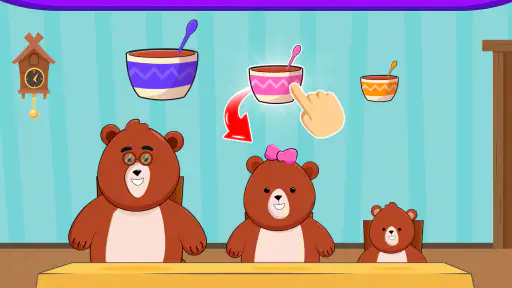
What makes this game easiest to understand is its focus on short, hands-on play. Rather than asking a toddler to follow a long lesson, it gives them simple activities to explore through taps and choices. That matters at this age: a child can try something, see what happens, and move on when attention wanders. I see it as a small activity option, not a substitute for talking, reading, or playing together away from a screen.
It is an educational game from Bebi Family: preschool learning games for kids, with a stated collection of 15 activities. The game is free to download and rated for everyone, though in-app purchases range from $5.99 to $49.99 per item. That makes it sensible to check the purchase setup before handing over a device. The game is listed at a 4.7 average from around 109,000 ratings, with more than 5 million installs; those figures suggest broad interest, but they cannot tell me whether a particular toddler will enjoy its pace or style.
An Engaging Interface for Tiny Hands
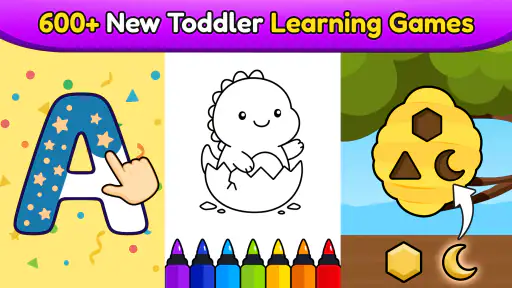
One of the first things you’ll notice about Baby Games for 1-3 Year Olds is its vibrant and colorful interface. This app is clearly designed with little fingers in mind. The buttons are big and bright, making it easy for toddlers to navigate without any adult intervention. I was amazed at how quickly my little one adapted to the interface and began exploring the different games available.
That ease of starting is useful, but I would still introduce it while sitting nearby. A toddler may be able to tap around independently without understanding every prompt or knowing when to stop. Before the first play session, I would open the game myself, check how the activities are presented, and make sure the device is set up so that a child cannot wander into purchases or other parts of the phone. A child-friendly interface is not the same thing as a complete parental-control system.
Variety of Games
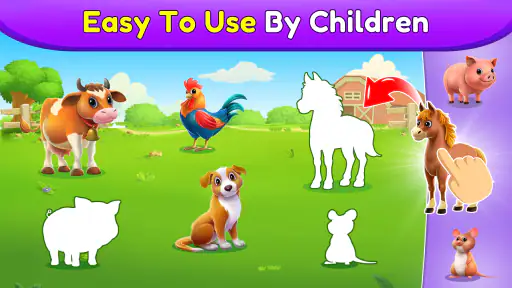
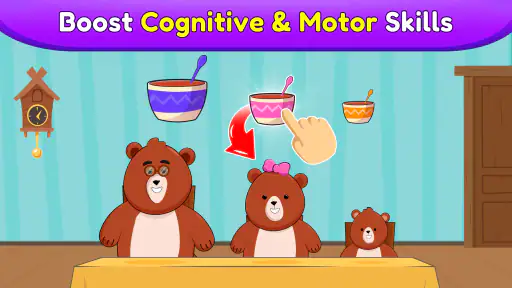
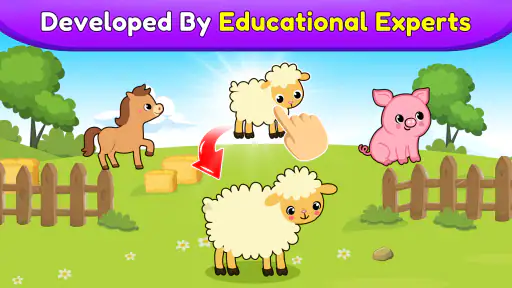
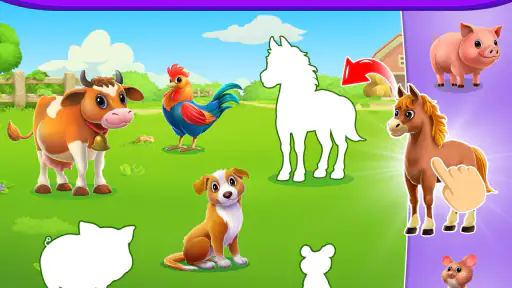
The app offers a variety of games that are both fun and educational. From simple puzzles that help improve hand-eye coordination to musical games that introduce rhythm and sound, there’s something for every curious mind. My personal favorite is the animal match game, which not only entertains but also helps in building memory skills. Watching my child giggle as they successfully matched the animals was a joy to behold!
That variety is most useful when I treat the activities as prompts for interaction rather than a queue to finish. If a child responds to an animal, I can pause and name it, imitate its sound, or ask where they have seen one. If they lose interest, switching to a different kind of activity may work better than insisting they complete a puzzle. The practical benefit is less about keeping a toddler busy for a long stretch and more about having a few different ways to invite attention.
Gaming Stories You May Enjoy

Dancing Road Turns Short Breaks Into a Test of Rhythm and Timing

Super Stylist Makes Every Outfit a Test of Taste and Patience

Dominoes on Your Terms: Who Should Play and Who Should Pass

Pokémon GO Makes the Familiar World Feel New

Chess.com Turns Rematches Into Rivalries, but Community Has Its Costs

Archery Battle 3D Review: Sharp Aiming, Unclear Feedback
For a realistic everyday use, I would bring it out during a brief wait at home or while an adult is preparing a meal nearby, then put the device away when that moment is over. Keeping the session short makes it easier to notice whether the child is engaged or simply tapping rapidly. I would also avoid making the game the automatic answer whenever a child is restless; a snack, a book, or a chance to move may be the better choice. Used selectively, the activities can fill a small gap without turning screen time into the main event.
Learning Through Play
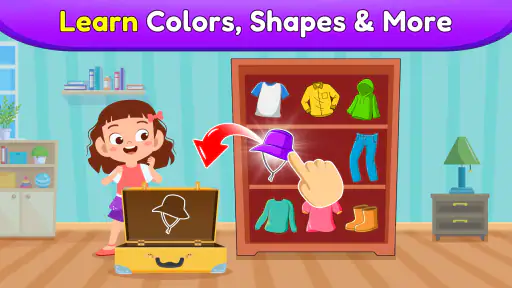
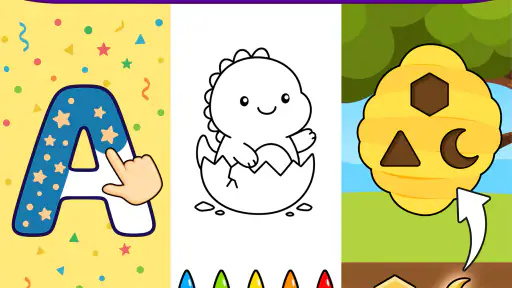
What sets this app apart is its focus on learning through play. The developers have done a fantastic job of integrating educational elements into each game. Whether it’s recognizing colors, shapes, or sounds, each activity is crafted to stimulate the minds of young children. I noticed significant improvement in my child's cognitive abilities after just a few sessions.
I would be cautious about judging learning by speed or by how often a child gets an answer right. At this age, repeating an activity, exploring a sound, or naming something with an adult can be just as worthwhile as completing a task. A useful approach is to follow the child’s interest: describe what appears, give them time to respond, and let them stop when they are ready. The game can offer material for learning, but the conversation around it is what makes the activity feel shared rather than passive.
Compared with a single-purpose learning app, a set of different activities gives caregivers more options when one type of play does not hold a child’s attention. Compared with physical toys or picture books, however, it cannot offer the same tactile exploration or natural back-and-forth. I would choose a book when the goal is language and closeness, blocks when a child needs to handle and build, and this game when a brief digital activity suits the moment. It works best as one choice among several, not as a replacement for them.
Parental Controls and Safety
As a parent, safety is my top priority, and thankfully, this app doesn’t disappoint. It comes with a range of parental controls that allow me to monitor and limit screen time. The app is also free from any intrusive ads, which is a huge relief. Knowing that my child can play safely without accidental purchases or exposure to unwanted content gives me peace of mind.
The ad-free experience is a welcome part of the appeal, especially for a toddler who may tap without distinguishing an advert from an activity. Still, I would not rely on that alone to prevent accidental purchases. Since paid items are available, I would check the device’s purchase protections and supervise setup before letting a young child use it. The game’s content rating is Everyone, but that does not remove the need for an adult to decide whether the screen experience suits their own child.
There are a few practical questions worth settling before making it a regular option. It is free to start, but the available in-app purchases mean I would review what is offered before assuming every part of the experience will remain free. Its current version is 7.01.18, and it requires Android 6.0 or later, so an older device may not be compatible. The game was released on August 27, 2019; for a parent, the more useful point is simply to check that the version available on their device runs smoothly before planning around it.
I would also consider the child’s age and temperament rather than treating the “1-3” in the title as a guarantee of equal fit across that whole span. A younger toddler may need an adult to model what to do, while an older child may want more challenge or a deeper learning path than short preschool activities provide. If your priority is structured lessons, detailed progress tracking, or a specific school-readiness curriculum, a more focused educational option may suit you better. If your priority is accessible play with a range of simple activities, this game is more likely to fit.
The main trade-off is that easy access can make it tempting to hand over the phone whenever there is a quiet moment. I would set a clear purpose before opening it—one brief activity, a chance to explore a sound, or a calm distraction while an adult remains close—and then close the game when that purpose is met. This keeps the convenience while avoiding the expectation that the app should occupy a child for long periods. It also gives a parent a natural opportunity to switch back to a toy, conversation, or movement.
My strongest recommendation is for caregivers who want a straightforward digital activity to share with a preschool toddler and who are comfortable supervising use. It is less suitable for families looking for a fully hands-off babysitter, for children who become upset when a screen is taken away, or for parents who want a formal curriculum rather than playful exploration. In those situations, a book, a physical matching toy, or an adult-led activity may be a better fit. The best choice depends on what the child needs in that moment, not on the number of activities in an app.
In conclusion, Baby Games for 1-3 Year Olds is a fantastic app that combines fun, education, and safety into one neat package. It’s a must-have for any parent looking to entertain and educate their toddler in a safe and engaging environment. So, if you’re on the hunt for an app that keeps your little one entertained while helping them learn, this is definitely worth checking out. Trust me, your toddler will thank you!
Baby Games for 1-3 Year Olds Pros and Cons
Pros
- Engaging animations keep kids entertained.
- Simple interface for toddlers to navigate.
- Educational content enhances learning.
- No in-app purchases to worry about.
- Parental control settings for safety.
Cons
- Limited content can lead to repetition.
- May require constant internet connection.
- Graphics might not suit all screens.
- Limited language options available.
- Sound can be too loud for some users.
Frequently Asked Questions
What age group is Baby Games for 1-3 Year Olds suitable for?
Baby Games for 1-3 Year Olds is specifically designed for children aged between 1 to 3 years old. The games within the app are tailored to enhance cognitive and motor skills development at this early stage. While the activities are engaging and educational, parental supervision is recommended to ensure the content aligns with your child's learning pace.
Is Baby Games for 1-3 Year Olds available on both Android and iOS platforms?
Yes, Baby Games for 1-3 Year Olds is available for download on both Android and iOS devices. Parents can easily find the app in the Google Play Store for Android users and the Apple App Store for iOS users. This cross-platform availability ensures that regardless of your device preference, your child can enjoy the educational benefits of the app.
Does the app require an internet connection to function?
No, Baby Games for 1-3 Year Olds does not require an active internet connection to function. Once the app is downloaded onto your device, all the games and activities can be accessed offline. This feature makes it ideal for travel or situations where internet connectivity might be limited, ensuring uninterrupted learning and playtime for your child.
Are there in-app purchases or ads in Baby Games for 1-3 Year Olds?
Baby Games for 1-3 Year Olds offers a free version that might include ads to support the developers. However, there is often an option to remove ads and unlock additional content through in-app purchases. This allows parents to choose a plan that best suits their needs and budget while providing a distraction-free experience for their children.
What educational benefits does Baby Games for 1-3 Year Olds provide?
Baby Games for 1-3 Year Olds is designed to enhance early childhood development through interactive play. The app includes a variety of games that target different skills, such as hand-eye coordination, problem-solving, and language development. By engaging with these activities, children can improve their cognitive abilities and learn through fun and interactive experiences.


