

Baby Games: 2+ kids, toddlers
- Reviews
- 4.7
- Version
- 4.01.03
- Installs
- 5,000,000+

Screenshots
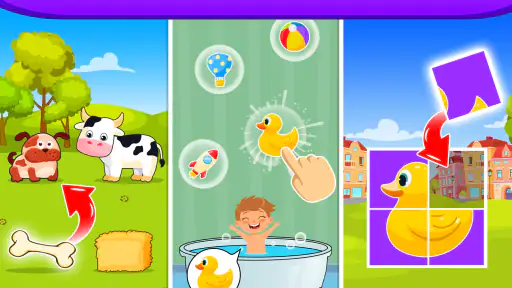
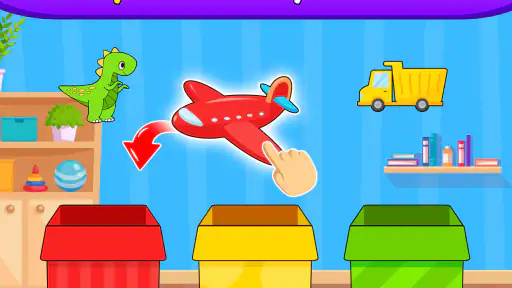
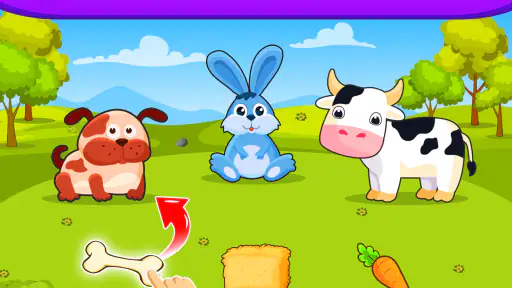
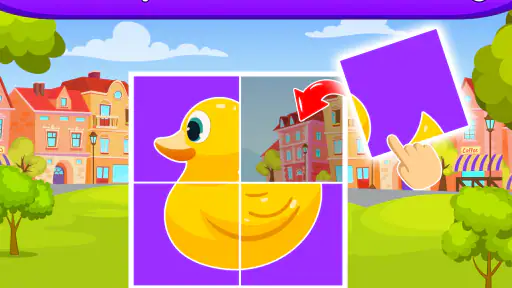
 Analysis by Frivlyz
When it comes to keeping the little ones entertained and learning at the same time, Baby Games: 2+ kids, toddlers really caught my attention. As someone who’s always on the lookout for apps that are both educational and fun, I decided to give this one a whirl. Let me tell you, it didn’t disappoint!
My strongest impression is that the game aims for a gentle, immediately understandable kind of play. That matters with toddlers: an activity can be educational on paper, but if a child has to wait through long explanations or work out a confusing screen, interest can disappear quickly. Here, the bright presentation and simple touch interactions make it easier to begin together rather than turning the first few minutes into a lesson about how to use the app.
A useful fit for short stretches of play
I’d reach for it when a child needs a small, contained activity: perhaps while waiting for a meal, during a quiet moment at home, or when an adult can sit nearby and talk through what is on screen. It is better suited to brief, attentive sessions than to being treated as an all-purpose substitute for toys, books, or outdoor play. A useful approach is to let the child choose an activity, watch for the point when attention starts to wander, and then stop rather than pushing for one more round.
That last point is worth keeping in mind because the app’s appeal can make it tempting to use it as a long distraction. I think it works best as a shared prompt: name the color, imitate an animal sound, or ask the child what they notice before tapping. Those little pauses turn screen time into conversation and help an adult see whether the child is enjoying the activity or simply tapping through it.
First Impressions & User Interface
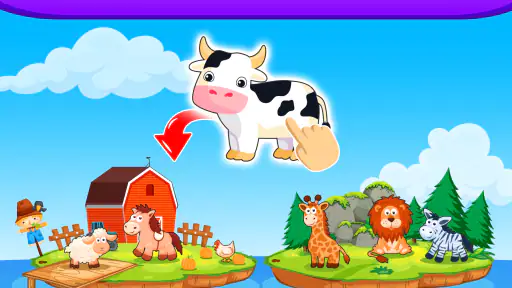
From the moment you open the app, you're greeted with vibrant colors and adorable characters that instantly appeal to toddlers. The interface is intuitive, which is perfect because, let’s face it, toddlers have no patience for complicated menus. Navigating through the app is a breeze; everything feels like it’s in the right place, making it easy for little fingers to explore.
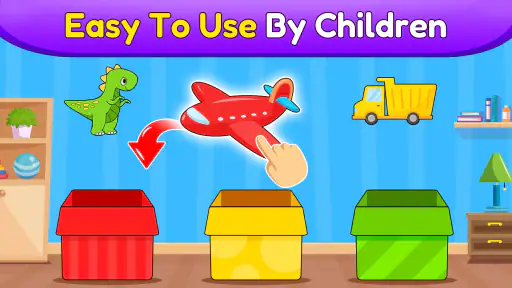
The app structure is designed to cater to the curious mind of a toddler. The buttons and icons are big and bold, ensuring that they’re easy to tap. It’s clear the developers put a lot of thought into making the user experience as seamless as possible for both kids and parents.
That ease of entry is a practical strength, but it also means parents should decide the boundaries before handing over a device. I’d open the game first, choose a suitable activity, and then give the device to the child rather than expecting a very young player to make every choice independently. For a toddler who likes to tap every visible object, staying close also makes it easy to redirect attention without turning the session into a struggle.
Gaming Stories You May Enjoy

Dancing Road Turns Short Breaks Into a Test of Rhythm and Timing

Super Stylist Makes Every Outfit a Test of Taste and Patience

Dominoes on Your Terms: Who Should Play and Who Should Pass

Pokémon GO Makes the Familiar World Feel New

Chess.com Turns Rematches Into Rivalries, but Community Has Its Costs

Archery Battle 3D Review: Sharp Aiming, Unclear Feedback
Games & Learning Activities
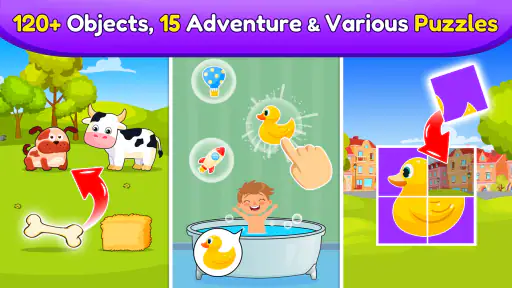
Baby Games: 2+ kids, toddlers offers a delightful mix of games that are both fun and educational. From puzzles to music games, each activity is crafted to engage and educate. My little testers were particularly fond of the animal sounds game, where they learned to recognize different animals by their sounds. It was a joy to watch their eyes light up each time they got it right!
Another standout feature is the variety of games that focus on developing fine motor skills. The tracing and drawing games are fantastic for helping kids improve hand-eye coordination. Plus, the app rewards kids with cheerful animations and sounds whenever they complete a task, which is a great way to keep them motivated.
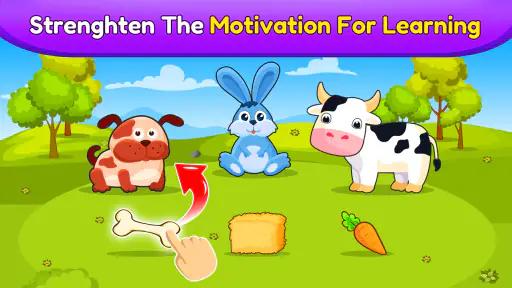
There is a useful trade-off in this kind of design: immediate feedback can make a child eager to try again, but it can also shift attention toward the reward rather than the idea behind the activity. When playing together, I’d occasionally pause after a successful answer and give the child time to name what they found or show the same movement with a finger in the air. That keeps the focus on noticing and trying, not just reaching the next cheerful response.
The activities also make more sense as invitations than as tests. A child who is still learning to control a fingertip may need an adult to demonstrate a tracing movement, while a child who already recognizes a sound may enjoy being asked to find the matching animal. I would not expect every activity to suit every toddler equally; choosing based on mood and ability is more helpful than insisting on a particular order.
Safety & Parental Controls
As a parent or guardian, safety is always a top priority, so I was pleased to find that this app doesn’t contain any intrusive ads or in-app purchases. Plus, there’s a handy parental control feature that ensures your toddler can’t accidentally exit the app or access other apps on your device. It’s a relief to know that you can hand over your phone or tablet without worrying about what they might stumble upon.
One point deserves a careful distinction: the game is described as ad-free, while it also offers in-app purchases. The game is free to download, and optional purchases are listed from $5.99 to $49.99 per item, so I would check the purchase settings on the device before a child plays unsupervised. A child-friendly screen and a purchase safeguard solve different problems; I would not assume that one automatically handles the other.
For a calmer handoff, I’d also set up the device before play: close unrelated apps, adjust the volume to a comfortable level, and make sure the child is not holding a device they could easily drop. These are ordinary household precautions rather than special features, but they make a real difference when a game is being used during a wait or while an adult is busy nearby.
Engagement & Educational Value
One of the things that truly sets this app apart is its educational value. Each game is designed to help children develop essential skills like counting, recognizing colors, and identifying shapes. The app doesn’t just entertain; it teaches, and it does so in a way that feels natural and enjoyable for young minds.
The interactive nature of the games keeps children engaged for extended periods. I found that my little ones were not only entertained but also learning new things without even realizing it. This balance of education and fun is what makes Baby Games: 2+ kids, toddlers such a standout app in its category.
For parents comparing it with the usual alternatives, the clearest difference is its emphasis on quick, touch-based activities rather than a single long story or a purely open-ended drawing space. That variety can be handy when a child’s interest changes from one moment to the next. On the other hand, a parent looking for a structured reading experience, a deeper narrative, or a specific curriculum may be better served by a dedicated story or learning app. This game is most compelling when the goal is playful practice across simple early concepts, not a formal course.
The developer, Bebi Family: Educational Games for Kids, places the game in the educational category, and its Everyone age rating makes it relevant to families looking for content aimed at a broad audience. It was released on April 3, 2020, and the current version is 4.01.03; Android devices need version 6.0 or later. Those details are useful when checking whether an older tablet can run it, though a child’s comfort with touch controls matters just as much as compatibility.
Its audience is easy to picture: a toddler who enjoys bright visuals, simple puzzles, sounds, colors, and guided finger activities, with an adult available to help when needed. I would be less likely to choose it for a child who is frustrated by touchscreens, wants a more complex challenge, or prefers stories and pretend play to short interactive tasks. For those children, a physical puzzle, picture book, or an app built around longer-form play may be a better match.
Final Thoughts
In a sea of apps vying for the attention of parents and toddlers, this one definitely makes a splash. It’s bright, engaging, and most importantly, educational. Whether you’re looking for something to keep your toddler occupied on a rainy day or want to introduce them to early learning concepts in a fun way, this app is a fantastic choice.
Its popularity is substantial, with more than five million installs, a 4.7 average from around 103,000 ratings, and roughly 16,000 written reviews. I see that as a sign that many families have found it worth trying, not a promise that every child will respond the same way. A toddler’s interest can depend on age, patience, and whether an adult is joining in, so I’d treat the first session as a chance to see which activities actually hold your child’s attention.
Overall, I’d highly recommend giving Baby Games: 2+ kids, toddlers a try. It’s a great way to combine playtime with learning, and I’m confident both you and your toddler will love it!
My recommendation comes with one practical caveat: keep sessions intentional, supervise purchases, and think of the game as one option in a varied day rather than the whole plan. With that expectation, its friendly art, familiar early-learning ideas, and accessible activities make it a pleasant choice for shared play. If you want a toddler-focused game that is easy to start and gives you natural chances to talk, this is one I’d be comfortable suggesting.
Baby Games: 2+ kids, toddlers Pros and Cons
Pros
- Engaging and colorful graphics.
- Simple controls for easy navigation.
- Wide variety of educational games.
- Safe
- ad-free environment for kids.
- Supports multiple languages.
Cons
- Limited free content without purchase.
- Lacks customization options.
- Requires internet for some features.
- In-app purchases can be expensive.
- No parental control for screen time.
Frequently Asked Questions
What age group is Baby Games: 2+ kids, toddlers suitable for?
Baby Games: 2+ kids, toddlers is designed specifically for young children aged 2 and above. The app features simple, colorful, and engaging activities that promote learning through play. Parents can feel confident that the games are developmentally appropriate, encouraging cognitive and motor skills in a fun, safe environment.
Does Baby Games: 2+ kids, toddlers require an internet connection?
Most of the games within Baby Games: 2+ kids, toddlers can be played offline, making it convenient for travel or areas with limited connectivity. However, an internet connection may be required for initial downloads or accessing additional content and updates. Always check specific game requirements within the app.
Are there in-app purchases in Baby Games: 2+ kids, toddlers?
Yes, Baby Games: 2+ kids, toddlers offers in-app purchases. These may include additional game packs, features, or ad-free experiences. While the basic version provides plenty of free content, parents should be aware of purchase options and may want to adjust device settings to prevent accidental purchases by children.
Is the content in Baby Games: 2+ kids, toddlers educational?
Absolutely, Baby Games: 2+ kids, toddlers is crafted with educational objectives in mind. The app includes games that help develop fundamental skills such as color recognition, counting, matching, and fine motor skills. The playful interface ensures that learning is enjoyable and engaging for young children.
How does Baby Games: 2+ kids, toddlers ensure child safety and privacy?
The developers of Baby Games: 2+ kids, toddlers prioritize child safety and privacy. The app is ad-free in its premium version, preventing exposure to inappropriate content. Additionally, personal data collection is minimal and compliant with child privacy regulations. Parents can review privacy settings to ensure peace of mind.


