

ABC Games: Tracing & phonics
- Reviews
- 4.4
- Version
- 2.7
- Installs
- 1,000,000+

Screenshots
 Analysis by Frivlyz
When I’m choosing an early-learning game for a young child, I look for something that can hold attention without making a phone or tablet feel like a substitute for learning together. ABC Games: Tracing & Phonics is an educational game from Piggy Panda Inc built around early letter practice. It is free to start, rated for Everyone, and has a 4.4 average from around 640 ratings. That makes it worth a look for families who want a low-pressure way to introduce alphabet activities, while the in-app purchases mean I’d check the purchase options before handing over a device unsupervised.
Learning value, cost, and everyday use
The price is the first practical detail I’d weigh. The game is free to download, with optional in-app purchases ranging from $1.49 to $59.99 per item. Free access gives a family a chance to try the experience before spending anything, but that range is wide enough that I would not treat every part of the game as automatically included. I’d explore it with the adult present, see what is available without paying, and decide whether any paid option actually suits the child’s routine. The game has passed one million installs, but popularity by itself does not tell me whether a particular child will enjoy its activities.
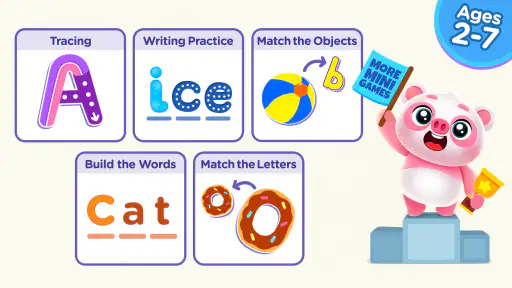
For a preschooler who likes to copy shapes or repeat letter sounds, the main value is having tracing, phonics, and spelling practice gathered in one child-focused game. It can give a child a simple activity to return to while an adult is nearby, rather than requiring a parent to invent a new alphabet exercise each time. The developer, Piggy Panda Inc, describes it as an ABC game, and its educational focus is a better fit for short practice sessions than for children looking for a story, a broad collection of subjects, or a competitive game.
A realistic use for me would be a few minutes after breakfast, while a child is settled at the table and I’m close enough to help. I’d invite them to trace a letter, listen to its sound, and then say a familiar word that begins with it. That last step matters: a screen activity can introduce a sound, but talking about words together connects it to things a child already knows. I would keep sessions brief and stop when the child gets restless. Turning every mistake into a correction can make an otherwise playful activity feel like a test.
What the activities can support—and what they cannot
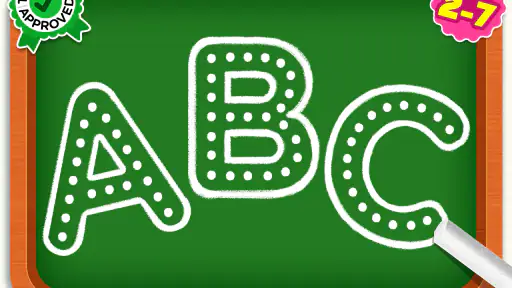
Tracing can help a child notice a letter’s shape and practise moving a finger along a path. It is not the same as holding a pencil, so I would use it as a stepping stone rather than a replacement for crayons, paper, or other hands-on mark-making. A useful approach is to let the child try the on-screen letter first, then make a similar shape with a finger in the air or on paper. This keeps the game connected to offline practice without expecting a touchscreen to teach every part of handwriting.
Phonics practice is most useful when it leads to listening and speaking, not just tapping through an activity. I’d repeat a sound naturally, ask the child to think of a word that starts with it, and accept an imperfect answer as part of learning. If a child is already working on letter sounds at school or preschool, the game may offer a familiar way to revisit them. If the child is not ready to connect letters with sounds yet, I would slow down and focus on shared reading, conversation, and playful letter spotting instead of pushing through activities.
The spelling element can be appealing for a child who has begun noticing that letters combine into words, but it should not be mistaken for a complete reading course. Early literacy also involves listening, conversation, books, and practice with an adult. I would treat the game as one small tool in that mix. A child who enjoys it may gain confidence from repeating familiar tasks; a child who finds tracing frustrating may get more from alphabet books, magnetic letters, or drawing together.
Gaming Stories You May Enjoy

Dancing Road Turns Short Breaks Into a Test of Rhythm and Timing

Super Stylist Makes Every Outfit a Test of Taste and Patience

Dominoes on Your Terms: Who Should Play and Who Should Pass

Pokémon GO Makes the Familiar World Feel New

Chess.com Turns Rematches Into Rivalries, but Community Has Its Costs

Archery Battle 3D Review: Sharp Aiming, Unclear Feedback
How it fits beside other early-learning options
Compared with a paper alphabet workbook, a tracing game can feel more immediately responsive to a young child because the activity happens on a screen and includes playful presentation. A workbook, on the other hand, offers a direct route to pencil practice and does not depend on a device. I would not choose one as a universal winner: this game makes more sense when the child is drawn to touch-based activities, while paper is better when the goal is practising with real writing tools or taking a screen break.
It also differs from a general video or entertainment app. ABC Games is aimed at letter-related learning, so it is easier for a parent to set a specific purpose—such as practising a sound—than to leave a child browsing unrelated content. Still, an educational label does not make supervision unnecessary. I’d sit close enough to see how the child responds, help when an instruction is confusing, and keep the device session from displacing reading aloud or play. For families seeking a structured, teacher-led curriculum or a wider range of school subjects, a dedicated learning program may be a better match.
One small but useful tip is to let the child choose whether to trace, listen, or try a spelling activity when the game offers a choice, rather than insisting on a fixed sequence. That can preserve a sense of play and help an adult notice which kind of practice feels comfortable. Another is to use the same letter away from the screen later that day: spot it on a package, in a book, or on a sign. This turns a brief game session into a reason to notice letters in the child’s surroundings, without claiming the app alone will make that connection.
Who is likely to get the most from it?
I can see this being useful for toddlers and preschool or kindergarten-age children who enjoy bright, touch-based activities and are beginning to recognise letters. It may also suit a caregiver looking for a short activity during a quiet moment at home, especially when the adult is willing to stay involved. The content rating is Everyone, but I would still make the choice based on a particular child’s attention span, comfort with a screen, and stage of learning rather than assuming every child in that broad age range will respond in the same way.
I’d be more cautious if the child tends to tap quickly through activities without attending to the letters, or becomes upset when asked to trace carefully. In that case, a parent-led game with paper letters, songs, or picture books may be a calmer starting point. It may also be the wrong choice for families who want learning to happen entirely offline, or who need a more comprehensive program with a clearly defined teaching sequence. The game’s focused ABC approach is a strength for simple practice, but that same focus limits what it can cover.
Parents may reasonably wonder whether they need to pay to try it. The game is free to start, while individual in-app purchases are listed from $1.49 to $59.99; I’d check the available choices in the app and set up purchase safeguards before letting a child explore alone. Another practical question is whether it can replace handwriting practice. I would say no: tracing on a screen can support familiarity with letter shapes, but pencil control needs real materials too. And if the child already knows the alphabet, I’d first see whether the spelling activities hold their interest rather than expecting basic tracing to remain useful indefinitely.
The game’s current version is 2.7, and it was released on March 29, 2023. Those details help place it as an established, updated app rather than a brand-new listing, but they do not change my main advice: judge it by how the child uses it. I would try a short, supervised session, notice whether the child engages with the letters instead of only the animations, and then decide whether it deserves a place in the routine. If the child loses interest, there is little reason to force it just because the activity is educational.
My recommendation for families
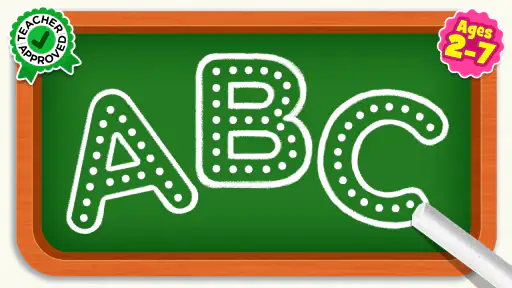
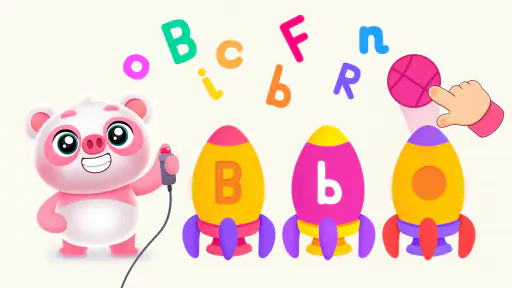
When I first opened ABC Games: Tracing & Phonics, I was impressed by its colorful and kid-friendly interface. It's super intuitive, so even the youngest users can navigate it without a hitch. The app focuses on making the learning process as engaging as possible, which is crucial when dealing with kids. Trust me, kids will love tracing letters with their fingers on the screen. It’s almost like finger painting, but with a purposeful twist!
Interactive Tracing
The tracing feature is where this app truly shines. Each letter comes with a guided tracing path, accompanied by fun animations and sounds. This not only helps in improving hand-eye coordination but also reinforces letter recognition. I noticed how the app cheers on kids when they get the tracing right, which is a great confidence booster. It’s like having a personal cheerleader on their learning journey!
Phonics Fun
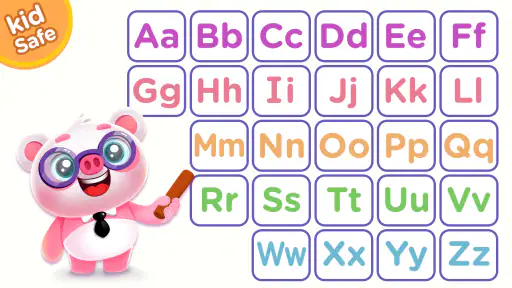
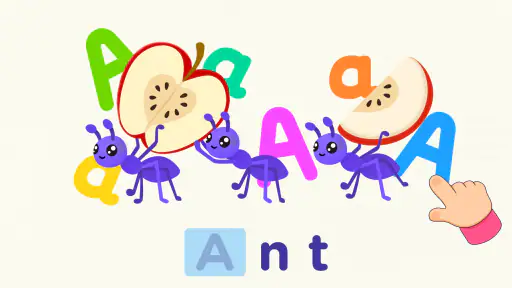
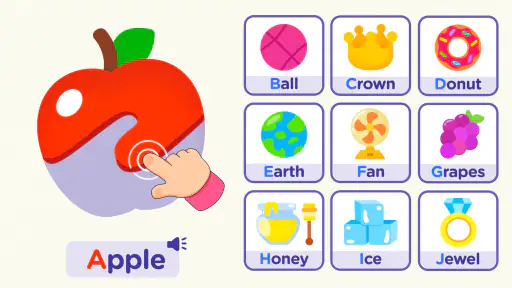
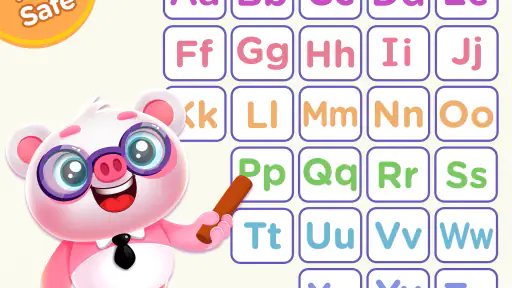
Phonics is another integral part of this app that I found particularly impressive. Each letter is associated with a sound, and the app uses a variety of words and images to reinforce these sounds. It's a playful way to introduce kids to the sounds of the alphabet, and it helps in building their vocabulary. I mean, who knew learning could be this fun?
Designed for Kids
One thing that stands out about this app is how it’s tailored specifically for children. The developers have clearly put a lot of thought into making sure it’s both educational and entertaining. The animations are bright and cheerful, and the voiceovers are clear and friendly. It’s like having a teacher who’s always in a good mood!
In conclusion, ABC Games: Tracing & Phonics is a must-have app for parents looking to give their kids a head start in reading and writing. It’s engaging, educational, and, most importantly, fun! I’d say it’s a win-win for both parents and kids. So, if you’re looking for an app that turns learning into a delightful experience, this one’s definitely worth checking out. Happy learning!
ABC Games: Tracing & phonics Pros and Cons
Pros
- Engaging graphics for kids.
- Interactive learning activities.
- User-friendly interface.
- Includes multilingual support.
- No in-app ads for distraction-free play.
Cons
- Limited free content.
- Requires internet for some features.
- Occasional app crashes.
- Updates can be slow to install.
- Subscription can be costly.
Frequently Asked Questions
What is ABC Games: Tracing & Phonics?
ABC Games: Tracing & Phonics is an educational app designed for young children to help them learn the basics of alphabet tracing and phonics. The app offers interactive games and activities that make learning fun and engaging, allowing kids to develop their reading and writing skills effectively. It is available on both Android and iOS platforms.
Is ABC Games: Tracing & Phonics suitable for all age groups?
While ABC Games: Tracing & Phonics is primarily designed for preschoolers and early elementary school children, it can be beneficial for any child who is in the process of learning the alphabet and phonics. The app's interactive and playful design helps cater to young learners, making it a useful tool for parents and educators alike.
What features does ABC Games: Tracing & Phonics offer?
ABC Games: Tracing & Phonics includes a variety of features such as interactive tracing exercises, phonics games, and progress tracking. The app also provides audio instructions and feedback, which helps children understand and correct their mistakes. Additionally, it has colorful graphics and engaging animations to keep young users interested and motivated.
Are there any in-app purchases in ABC Games: Tracing & Phonics?
Yes, ABC Games: Tracing & Phonics may contain in-app purchases. While the basic features are often free, certain advanced features, games, or additional content might require payment. Parents should review the app’s purchase options and settings to ensure that children do not make unauthorized purchases.
How can parents monitor their child's progress in ABC Games: Tracing & Phonics?
ABC Games: Tracing & Phonics offers a progress tracking feature that allows parents to monitor their child's learning journey. This feature provides insights into the child's strengths and areas needing improvement, making it easier for parents to support their child's educational development. Regular updates and reports can often be accessed through the app's parental controls.


